
To update your billing address and/or email please follow the instructions below:
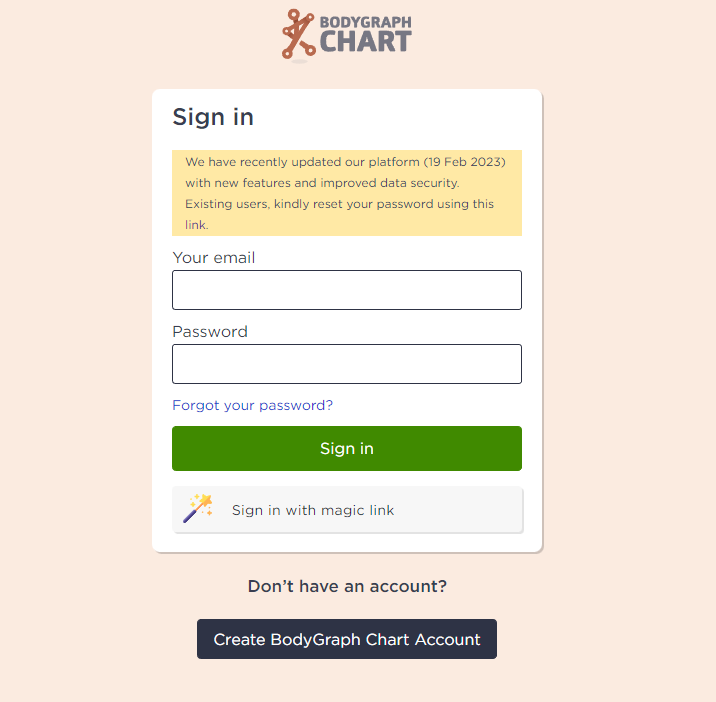
1. Sign in to your account.
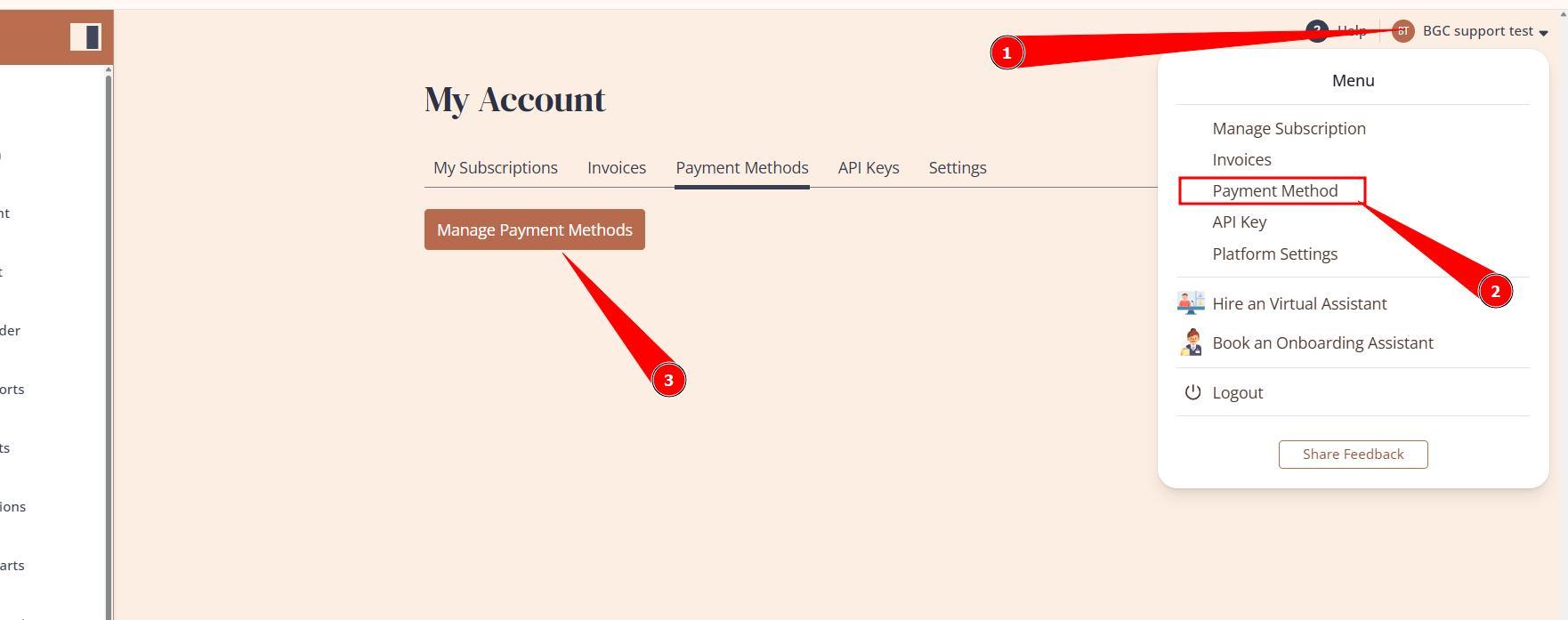
2.Press the profile icon at the top right corner and select Payment Method. Then click on provided payment method or button Manage Payment Methods.
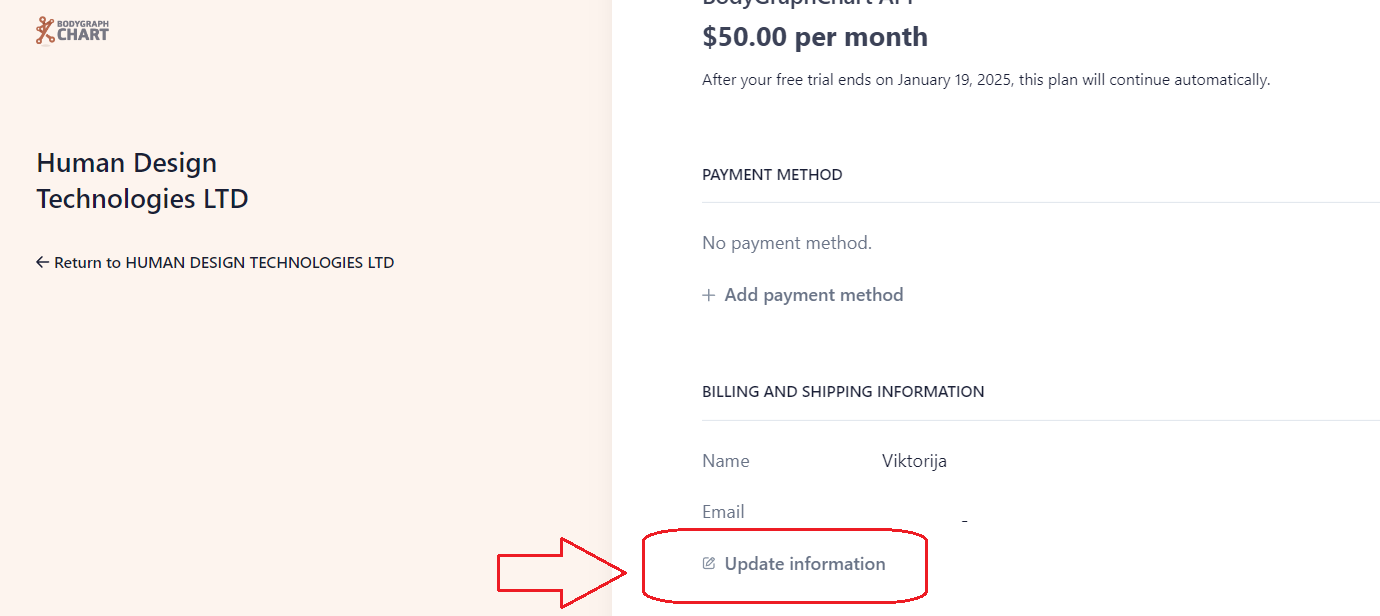
3.Press ‘Update Information’ under Billing and Shipping information to edit it.
NOTE: the new billing address will be visible on the further invoices. Previous/already paid invoices can not be edited.
NOTE: billing email address is not the same address that is associated to Bodygraph account (login). To change email address associated with account, follow this guide.
Still have questions? Please message us on Live Chat or send an email to support@bodygraph.com.