
With the Custom Properties tool, you’ve got the power to create all sorts of property outcomes. These outcomes show up in the My Content tool and in the ‘Visible for’ section of the Reading Reports tool, letting you control visibility based on these outcomes.
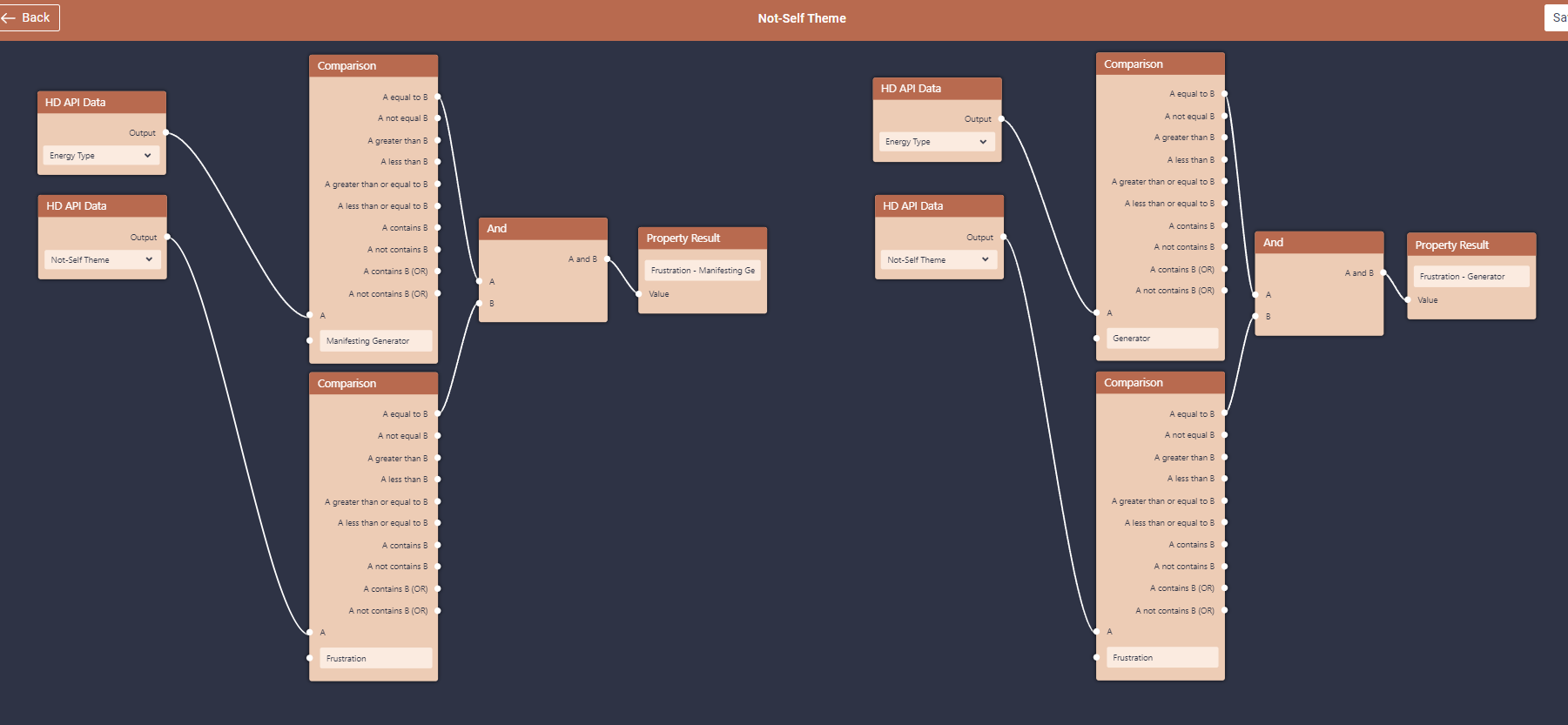
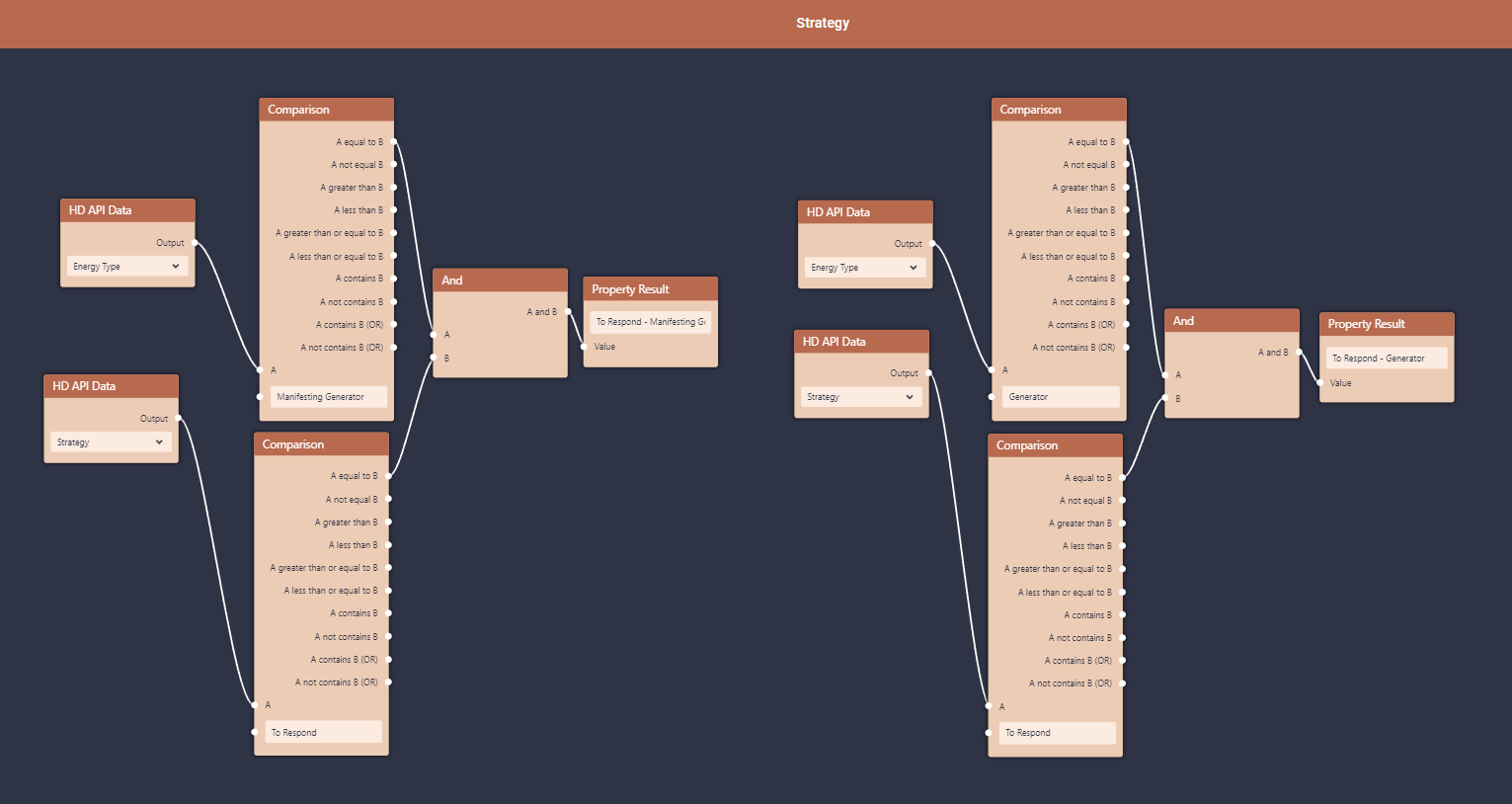
This tool allows you to split, combine and create completely new Human Design properties. For example:
– split Not-Self theme for Generators and Manifesting generators;
– split Strategy for Generators and Manifesting generators;
– pull up Emotional Types;
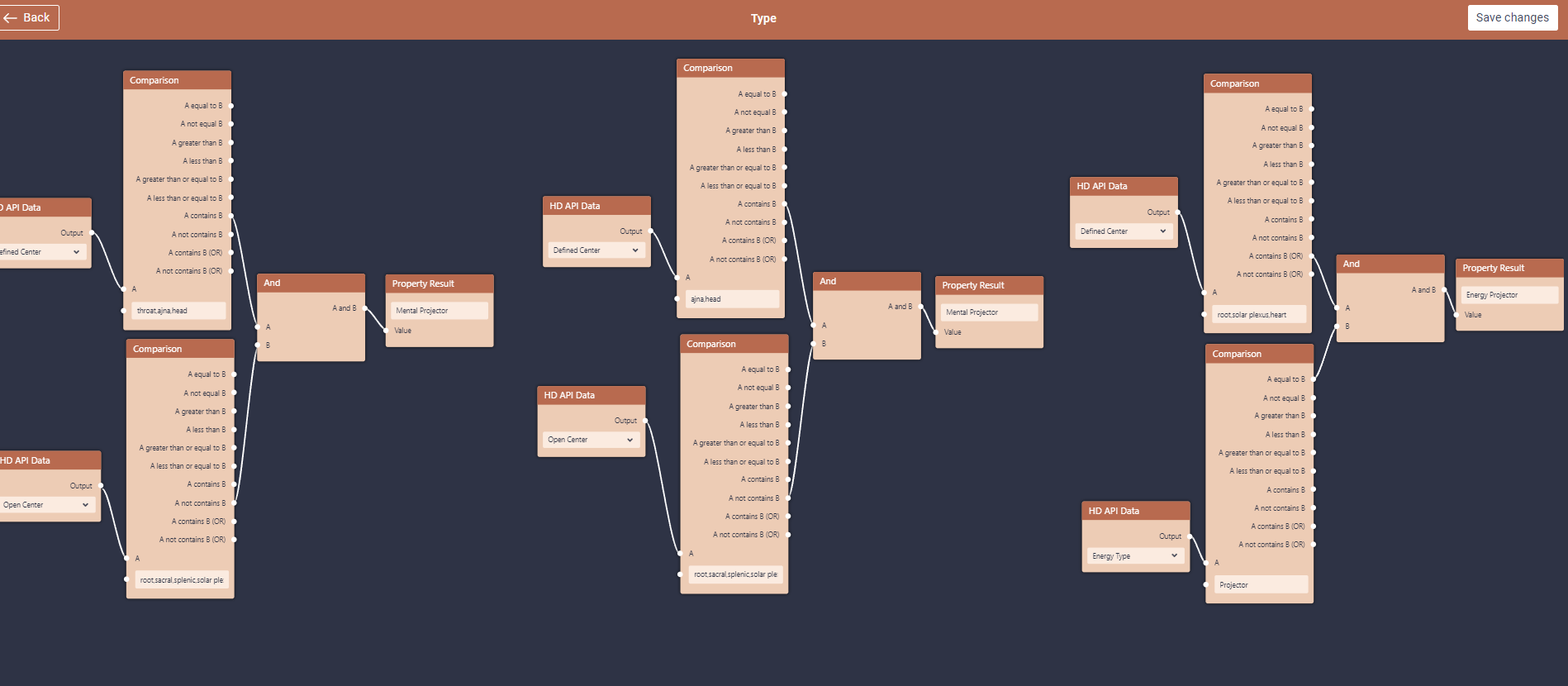
– and much more.
It does require a bit of know-how in development skills or understanding how the logic works to set up the conditions correctly. If you require assistance in building custom properties, you can always hire certified VA’s.
So whether you’re customizing your own outcomes or installed some ready-made ones, the Custom Properties tool gives you the flexibility to tailor your content visibility and reporting just the way you want it.
Check video tutorial below:
Still have questions, is above guide outdated? Please message us on Live Chat or send an email to support@bodygraph.com.