
Bodygraph API allows you to receive outputs in your chosen language by leveraging the translations you have set up in the Chart Content tool. This makes it easy to integrate Human Design or Astrology data into your projects while keeping the content consistent with your preferred language.
How to Enable a Specific Language
Ensure the language is configured in your Chart Content tool in your Bodygraph account. The language must match the exact title as it appears in the tool.
Append the following parameter to your API request:
&language=LANGUAGE_NAME
Replace LANGUAGE_NAME with the exact name of the language in your Chart Content tool.
Example: &language=English or &language=French.
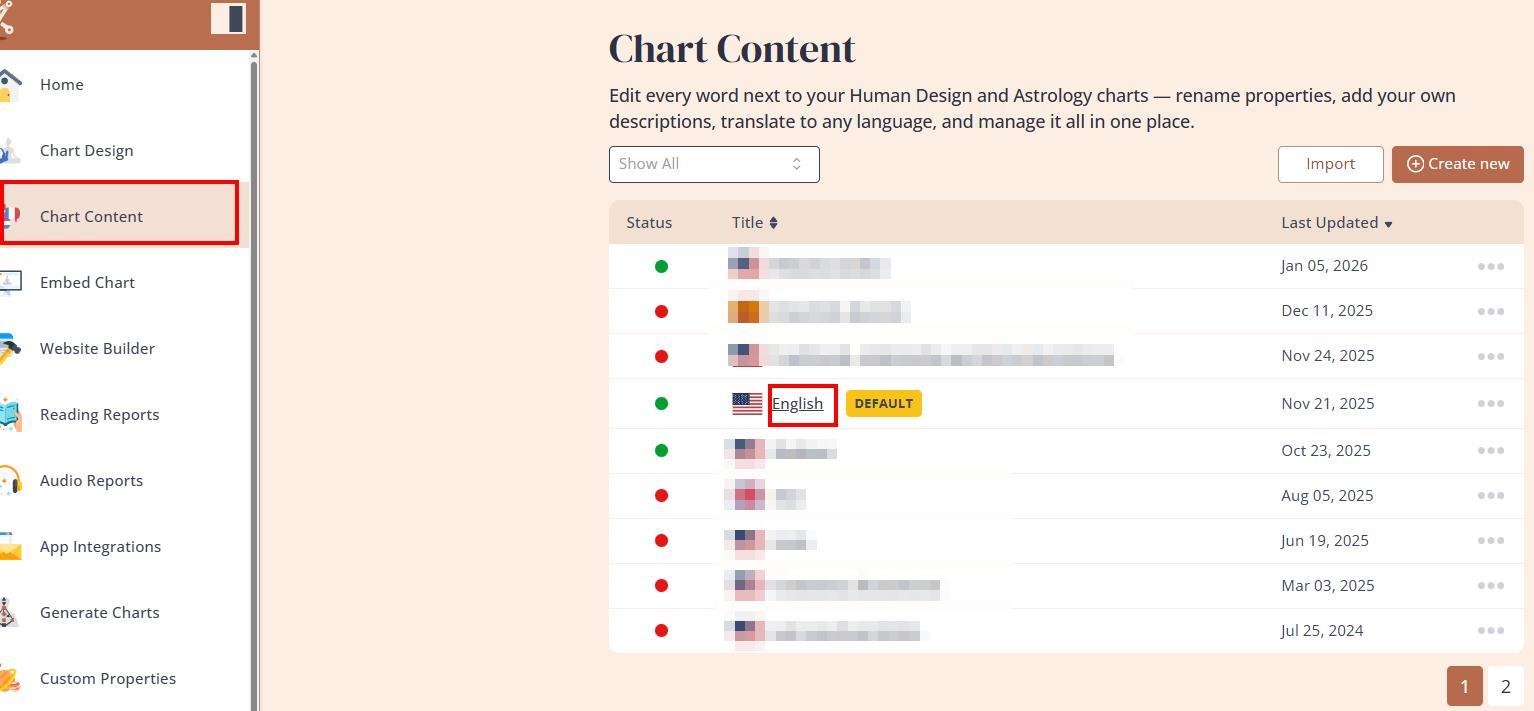
When this parameter is included, the API output will automatically return the content translated according to your settings in the Chart Content tool.
Important Notes
The API does not translate content on its own; it uses the translations you have provided in the Chart Content tool.
Always ensure that the language title exactly matches your Chart Content settings, including capitalization and spacing.
For full API implementation details, refer to the official documentation: Bodygraph API Docs
Using this method, you can seamlessly integrate localized content into your custom projects while maintaining consistent terminology and translations.
Still have questions, is above guide outdated? Please message us on Live Chat or send an email to support@bodygraph.com.