
If your Bodygraph integrated audio reports do not show player there could be several possible reasons:
1.Player is not enabled and not set at the Audio report. Each Audio report must have player enabled and set individually for it to work.
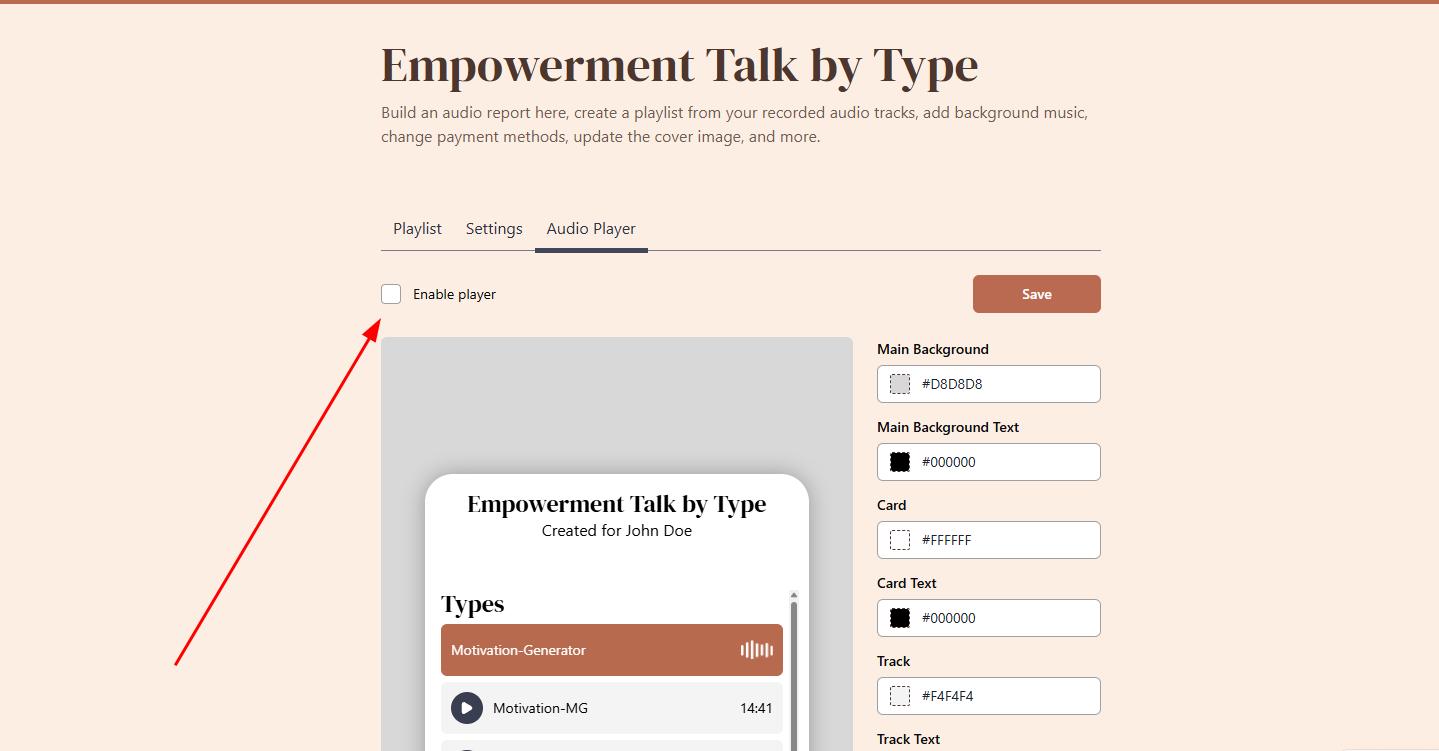
2. Trying to set Player for free Audio reports. Only Paid Audio reports currently support player that shows at the popup after purchase.
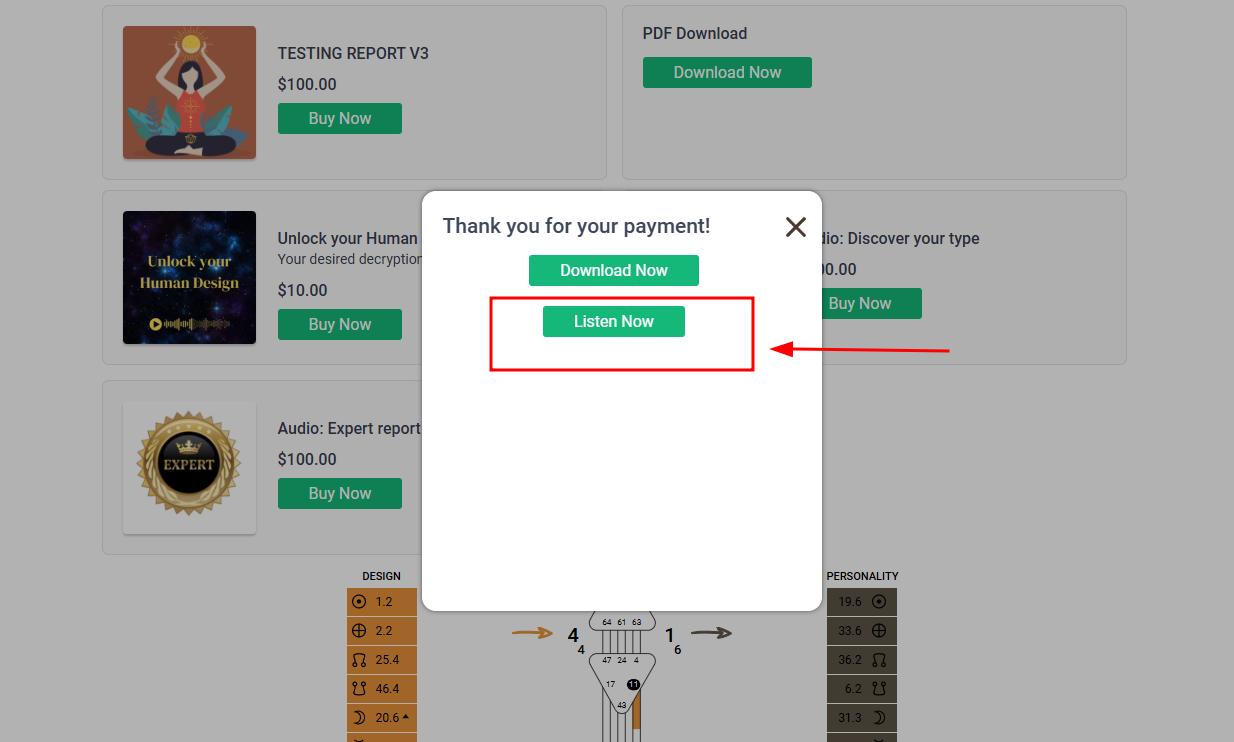
3. Trying to enable player for Audio reports sold via Website Builder. Audio reports sold via Website Builder checkout shop are delivered via link to the clients email. Instant audio report download or player is not supported by Website Builder checkout.
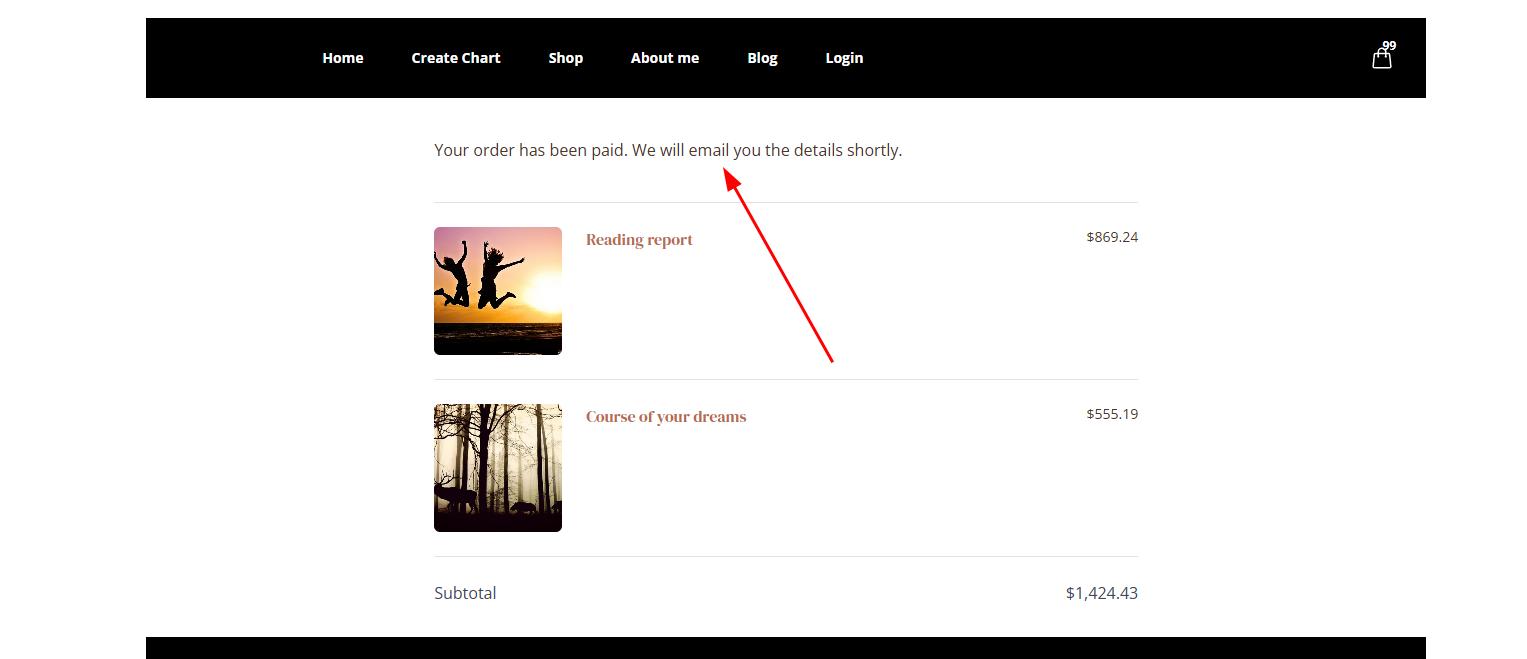
4. Trying to enable player for Audio reports sold via WooCommerce checkout. Audio reports sold via Woo checkout are delivered via link to email and player is not available.
Related articles:
Creating audio reports
Enabling Audio report player
Still have questions, is above guide outdated? Please message us on Live Chat or send an email to support@bodygraph.com.