
To find the unique embed code that you can use for your website please follow the steps below:
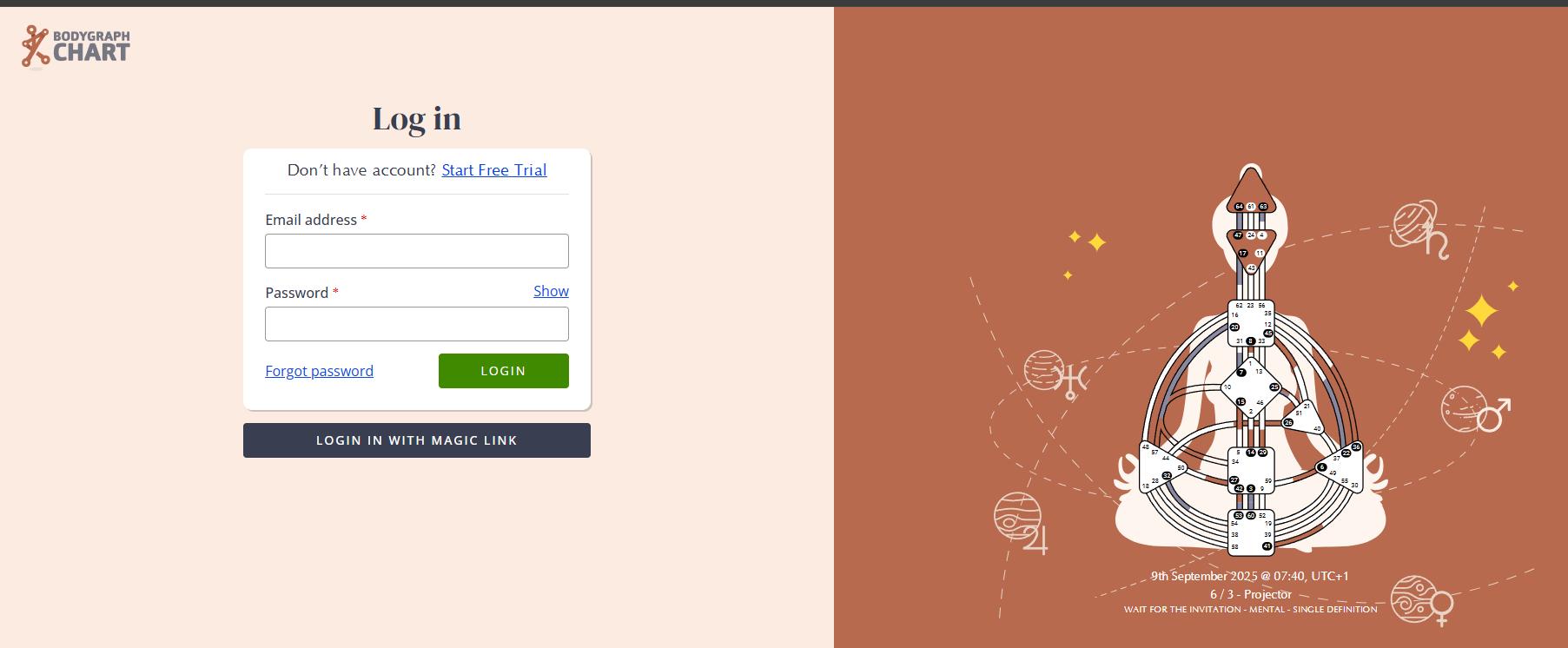
1.Sign in to your Bodygraph.com account.
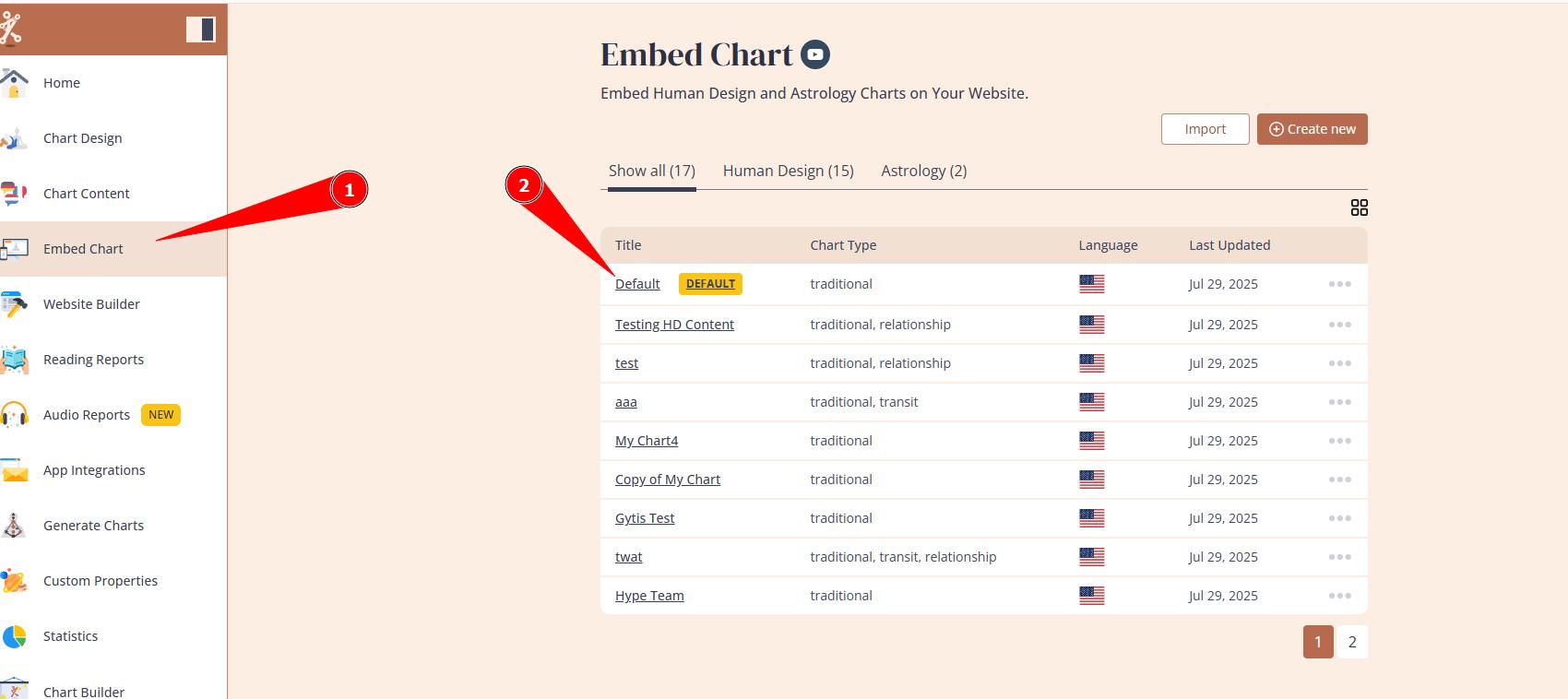
2.Select ‘Embed Chart’ from the menu on the left side. If you just signed up, you will have only one Default embed code listed, press on it to open.
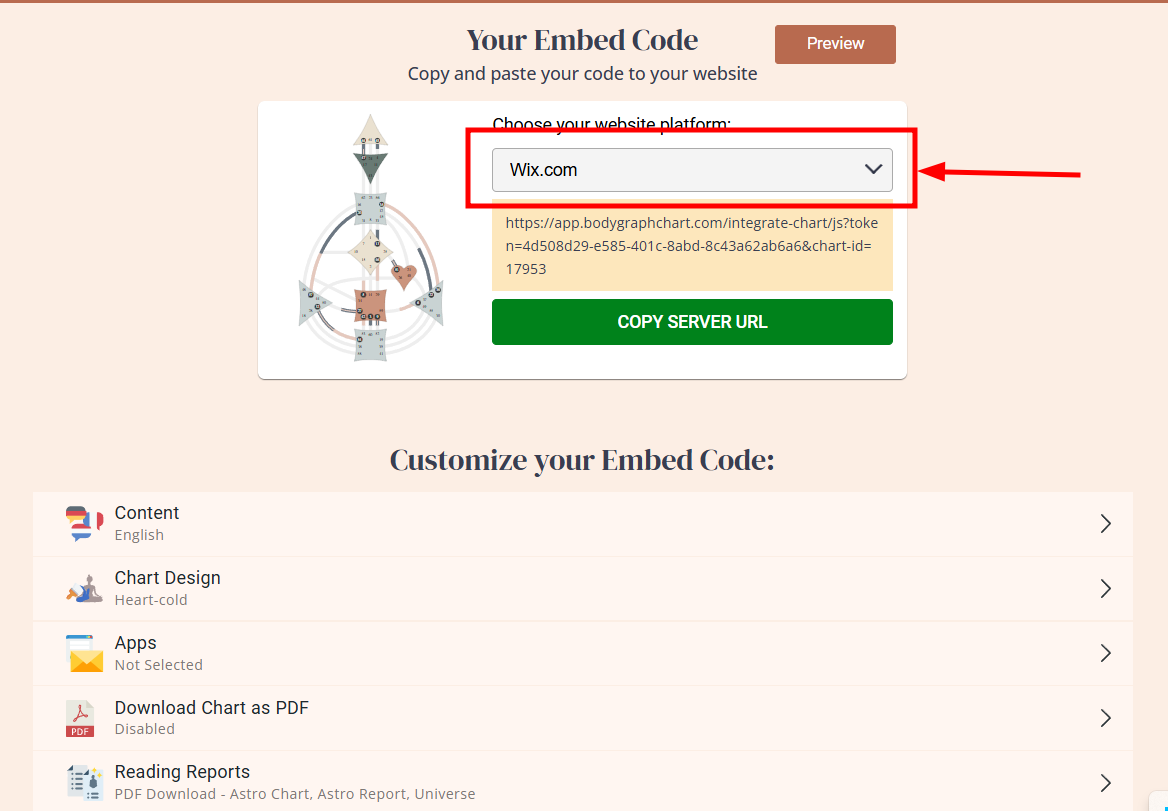
3.You will find embed code available to copy and ready to use.

4.Copy it and paste into your website. If you are using WIX, switch it to WIX embed code at the dropdown.
NOTE: you can create as many embed codes as you wish with different settings by pressing ‘Create new’ button on the Embed Chart section.
Frequently asked questions:
– Can I have multiple integrations at my website?
Yes. You can create multiple embed codes serving different purpose (e.g. Human design, Astro, relationships, etc.) and embed into different landing pages at your website.
Related articles:
Can I embed chart into multiple websites?
Terms and conditions apply.
Still have questions, is above guide outdated? Please message us on Live Chat or send an email to support@bodygraph.com.