
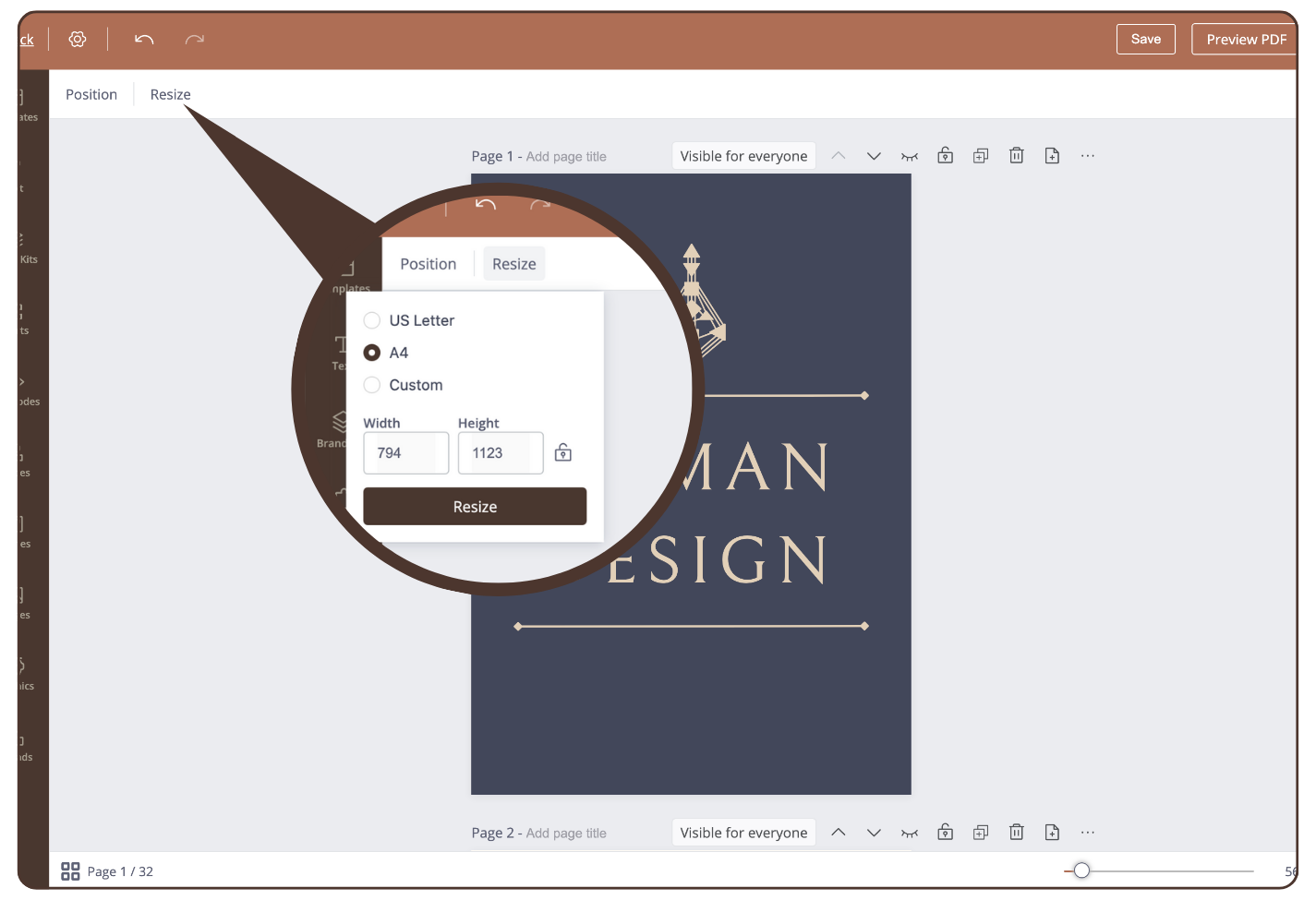
To change the page size, proceed as follows:
Change default format
- click on ‘Resize’
- choose between the options US Letter or A4 format
Customer size
- click on ‘Resize’
- click ‘Custom’ and entering width and height
IMPORTANT: Significant resizing only can be available with empty report at the start of the creation process. When report already has content, significant resizing will break the report.
Still haveqestions, is above guide outdated? Please message us on Live Chat or send an email to support@bodygraph.com.