
To export a page from the report and import it into another report, proceed as follows:
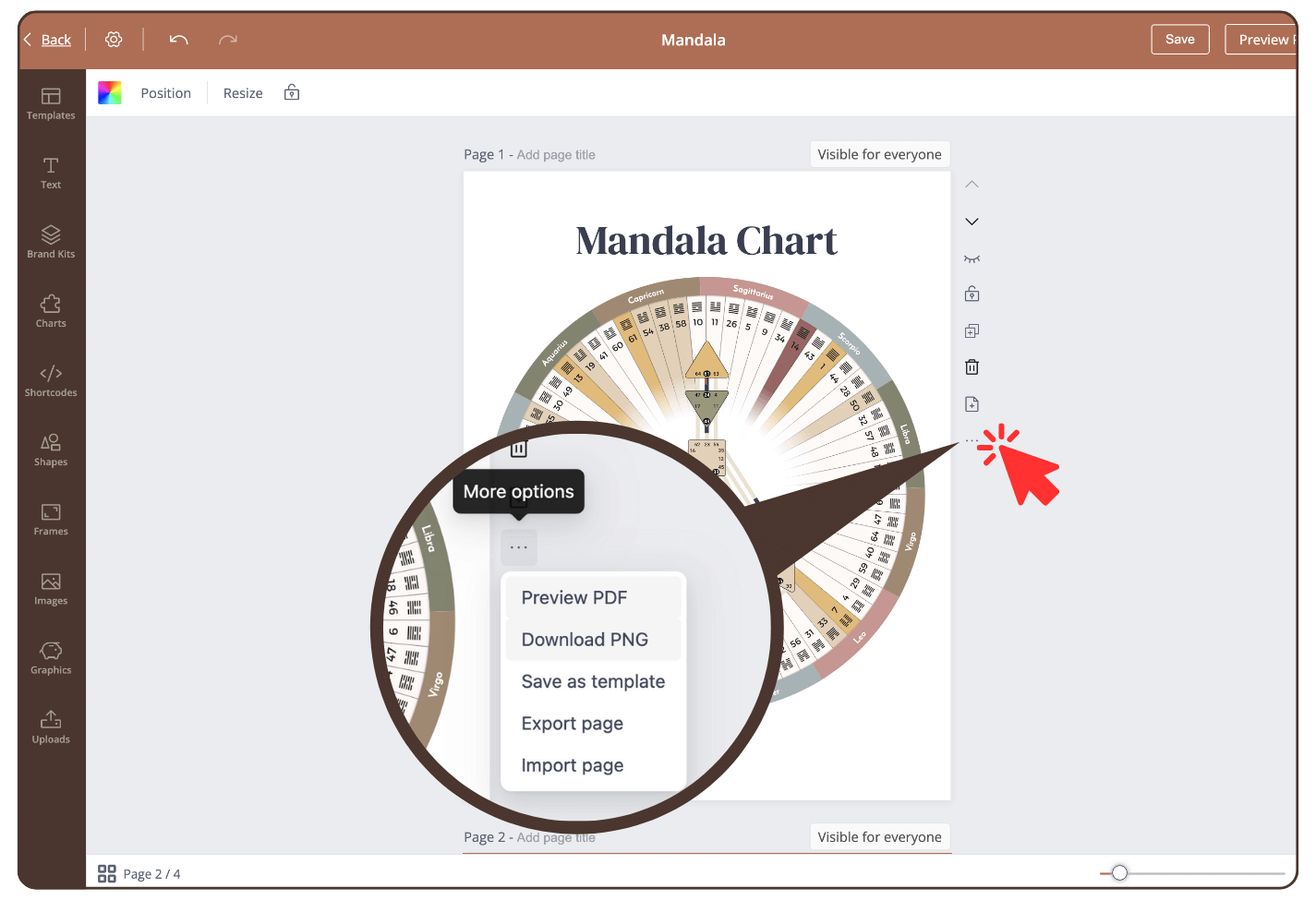
Step 1
Click on the three small dots to the right of the page.
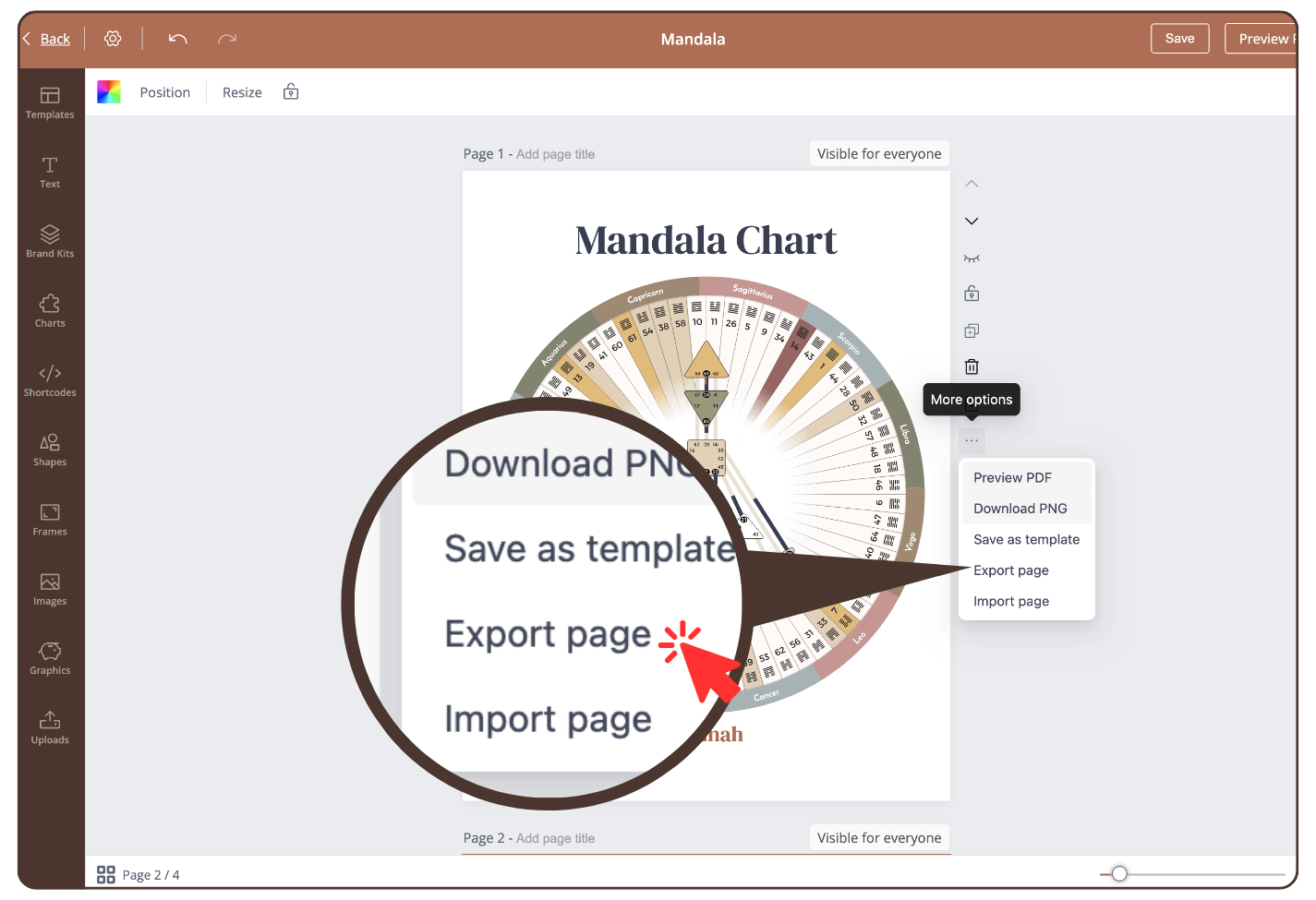
Step 2
Click: ‘Export page’ and the page is downloaded as a json file.
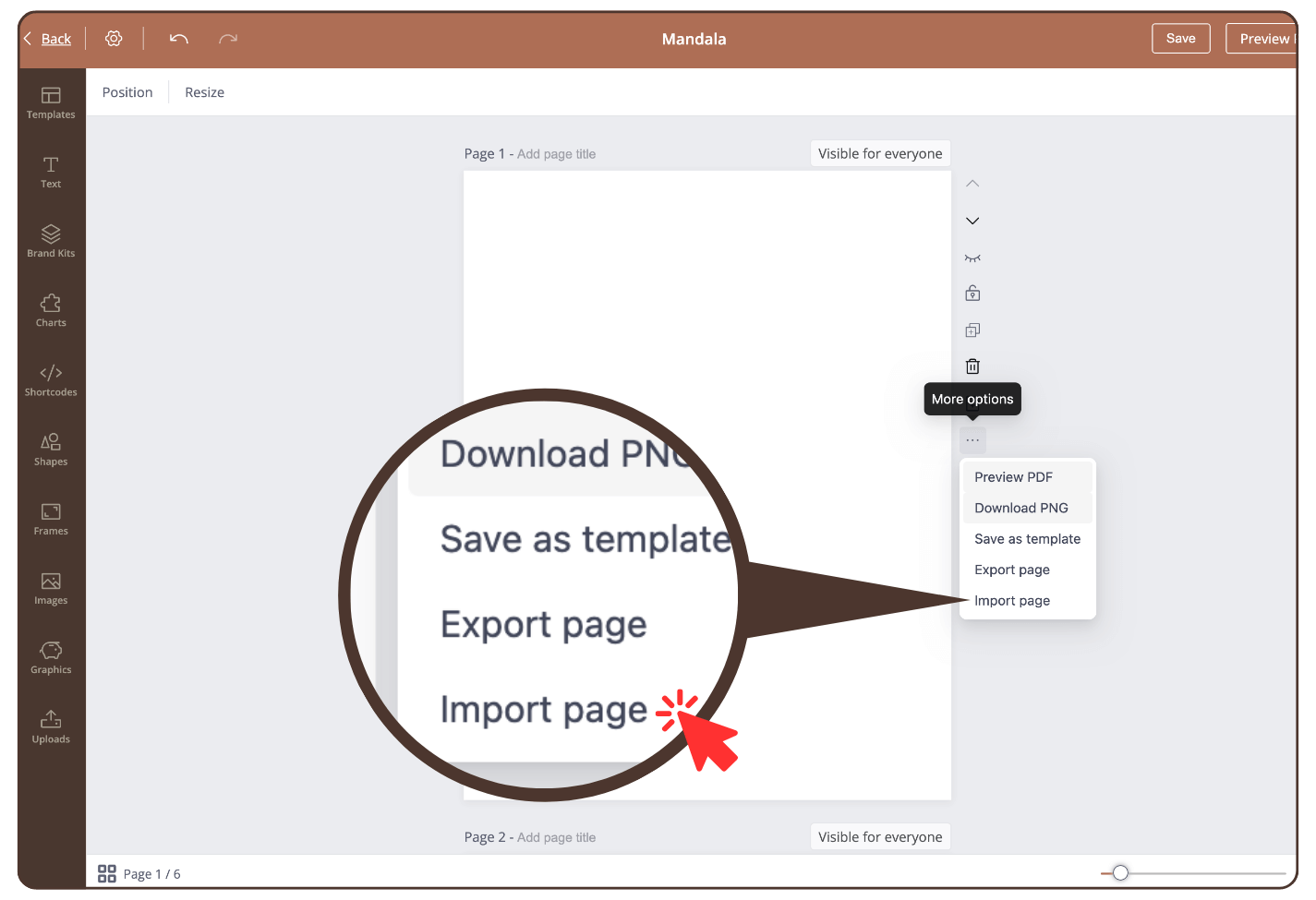
Step 3
Open another report and click on ‘Import Page’. Opens your download
folder and select the json file (not PDF). The exported page will now be imported into the current page.
IMPORTANT: exported pages in certain page format can only be re-imported to same page format reports. If let’s say A4 exported page is imported to Letter report, it will cause mismatch and issue with report page.
Still have questions, is above guide outdated? Please message us on Live Chat or send an email to support@bodygraph.com.