
You have three options for deleting tracks:
1. single track
2. several tracks
3. all tracks
Open the track list by clicking on “My Audio Tracks”.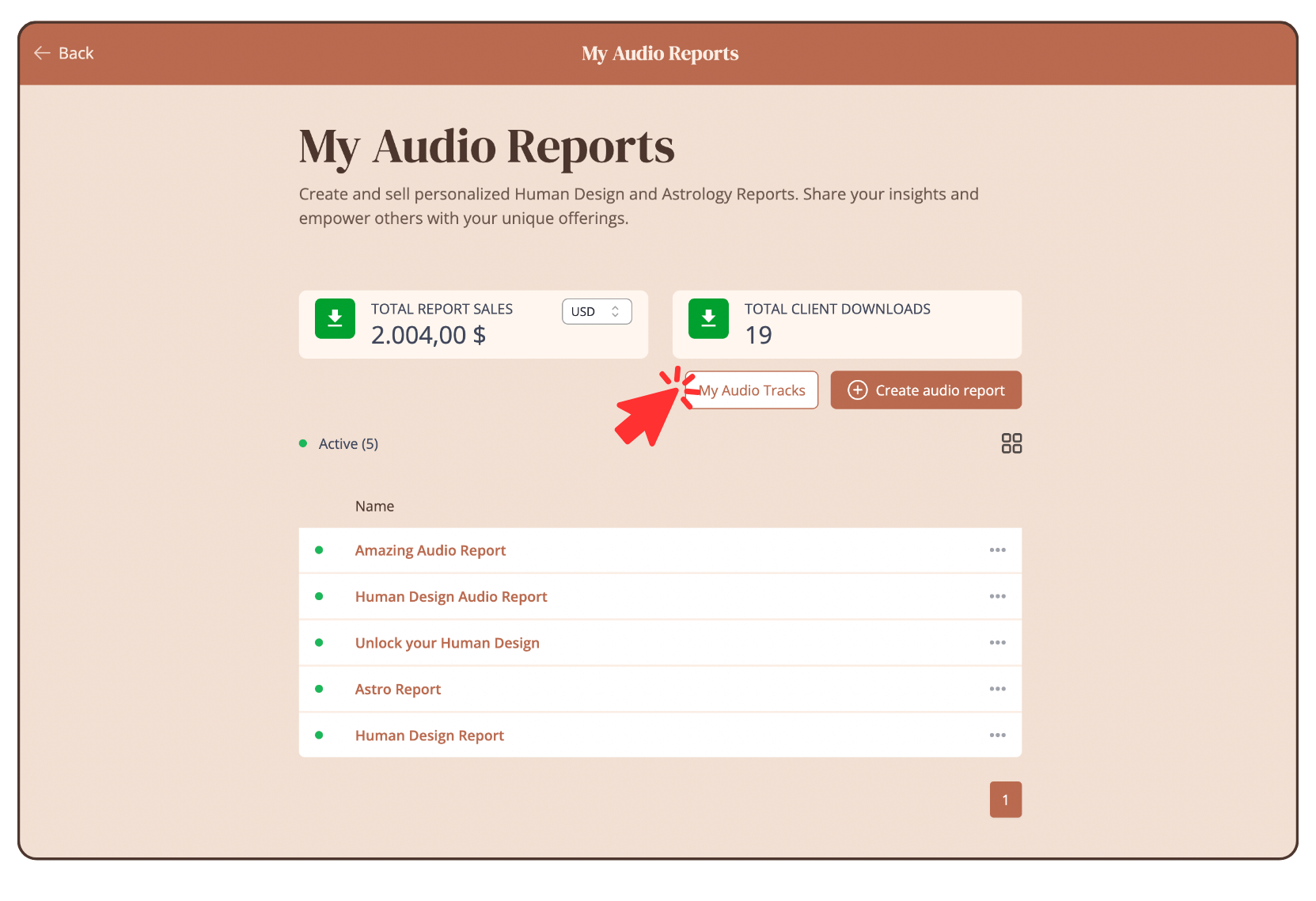
Delete single track
Click on the three dots of the track you want to delete. Then click on “Delete”.

Enter “DELETE” to confirm the deletion and click on “Delete track”.

Delete multiple tracks
Select all the tracks you want to delete. Then click on “Delete”.

Enter “DELETE” to confirm the deletion and click on “Delete track”.
Delete all tracks
Click on “Select All”.
Click “Delete”.

Enter “DELETE” to confirm the deletion and click on “Delete track”.
Still have questions? Please message us on Live Chat or send an email to support@bodygraph.com.