
To change your subscription plan please follow these instructions:
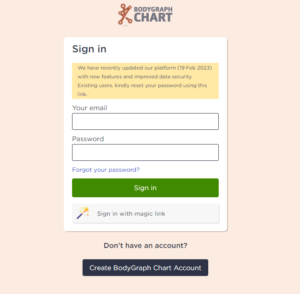
1.Sign in to your account.
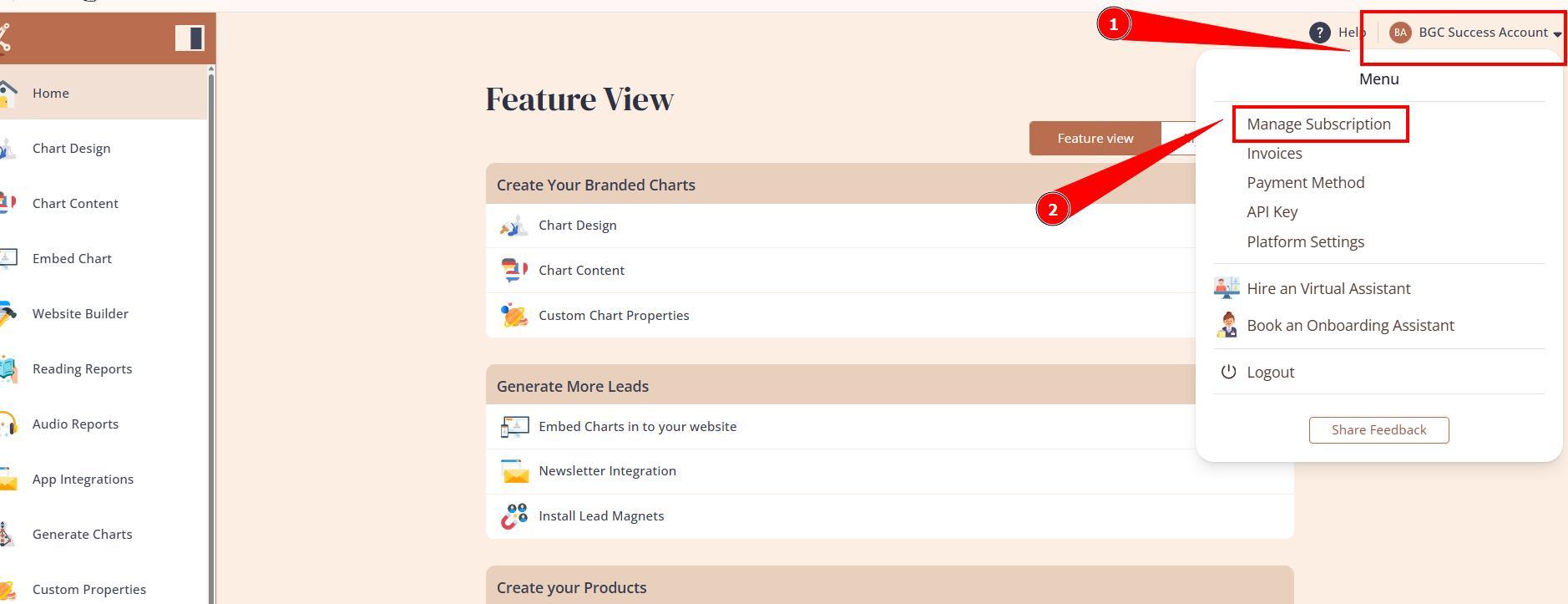
2.Press the profile icon at the top right corner and select option Manage Subscriptions.
3.That will open your subscription dashboard where you can manage your subscriptions.
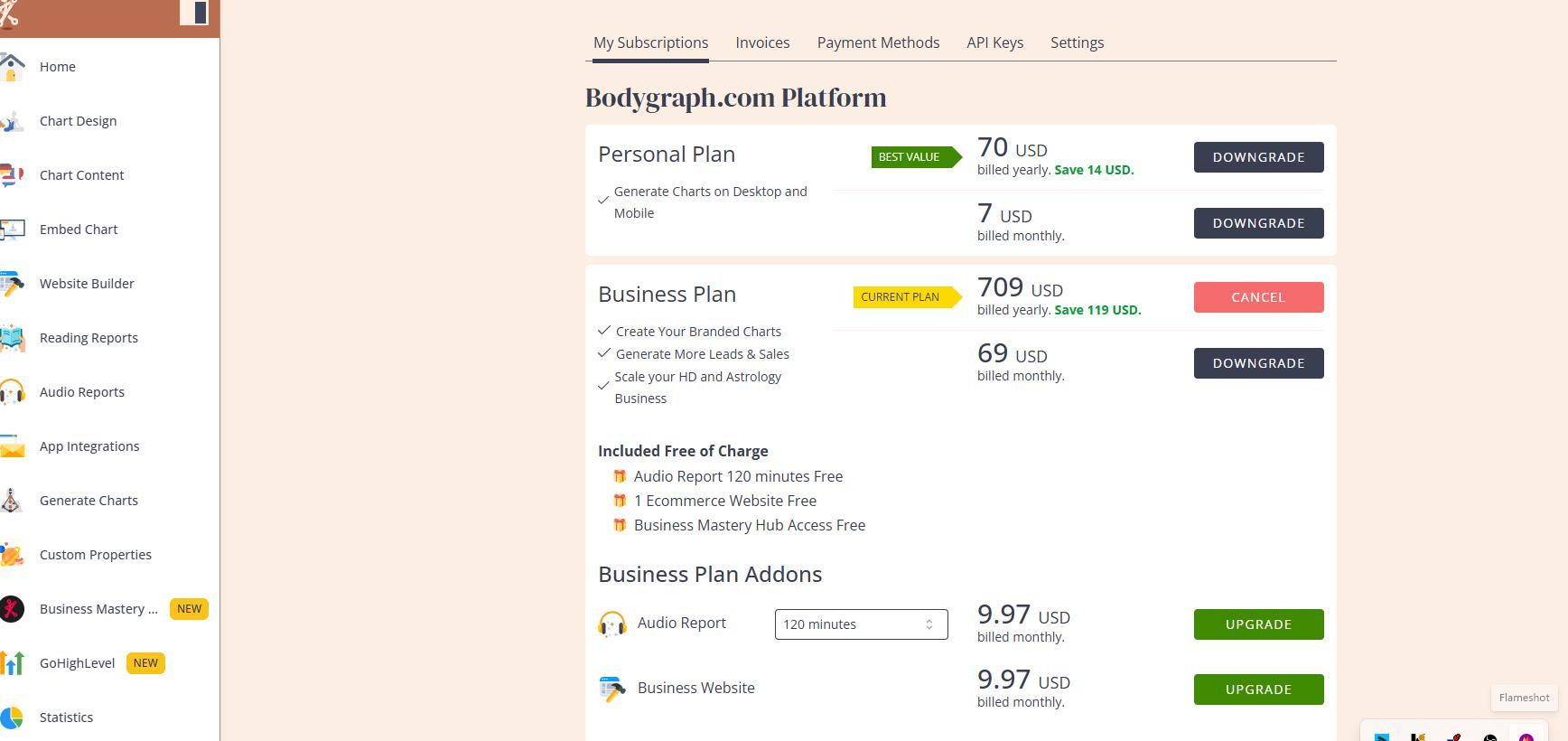
NOTE: It will change plan immediately and will charge subscription fee accordingly if you choose to upgrade.
Enjoy your Human Design journey with Bodygraph.com!
Still have questions? Please message us on Live Chat or send an email to support@bodygraph.com.
More account related articles are here.