
To update payment method for your subscription please follow the instructions below:
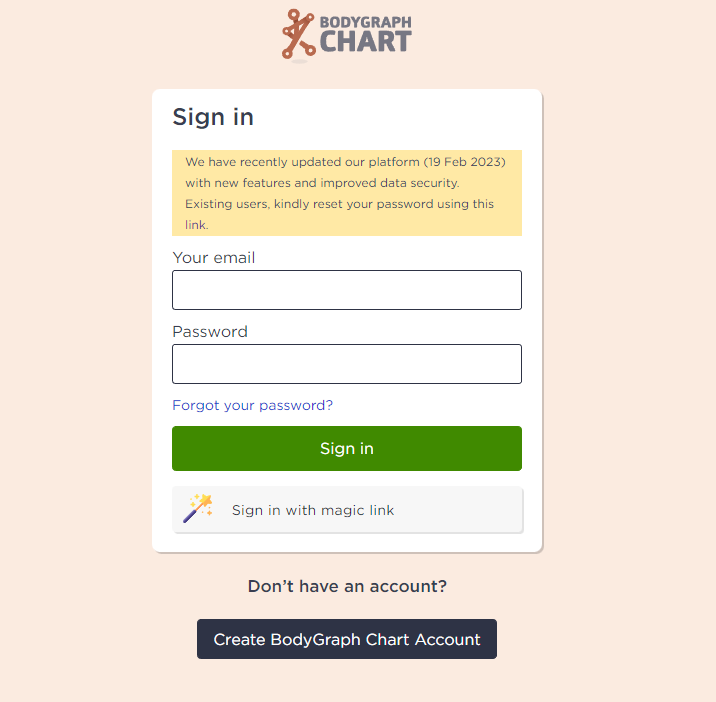
1. Sign in to your account.
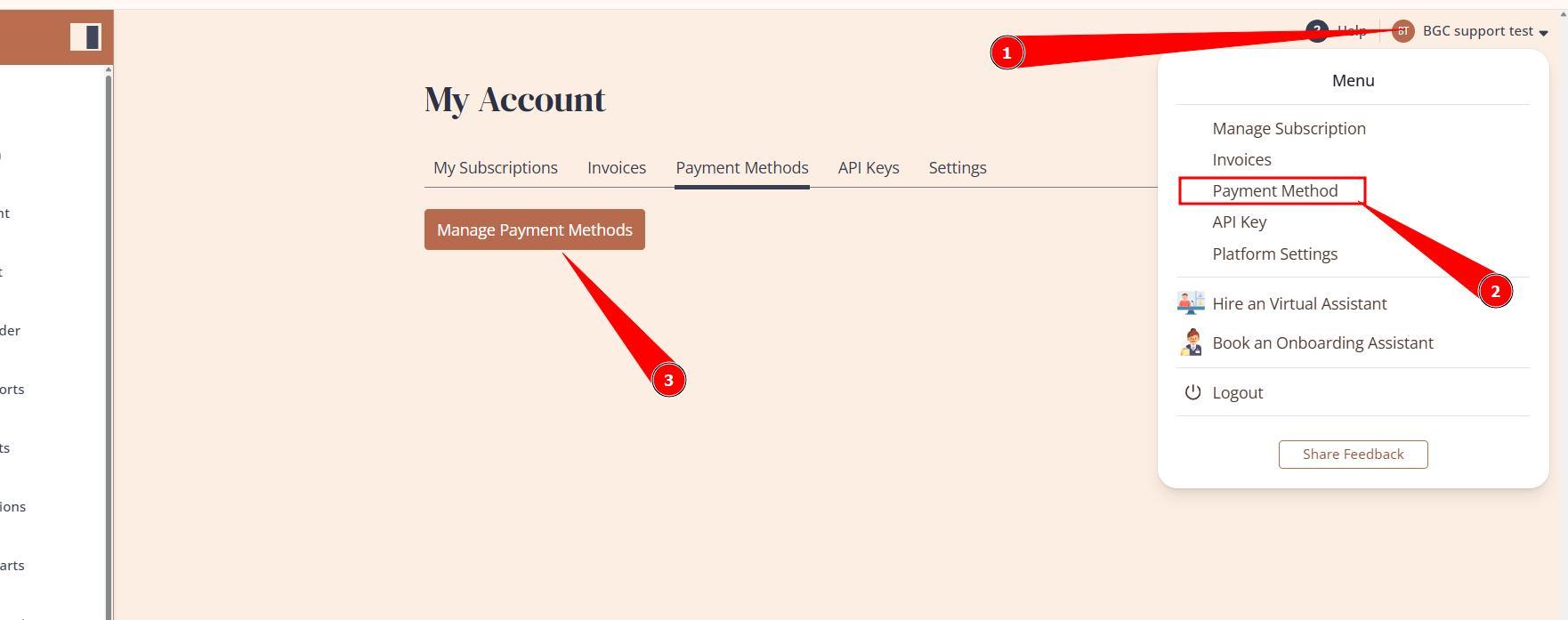
2.Press the profile icon at the top right corner and select Payment Method. Then press on existing payment method or button Manage Payment Methods to make changes.
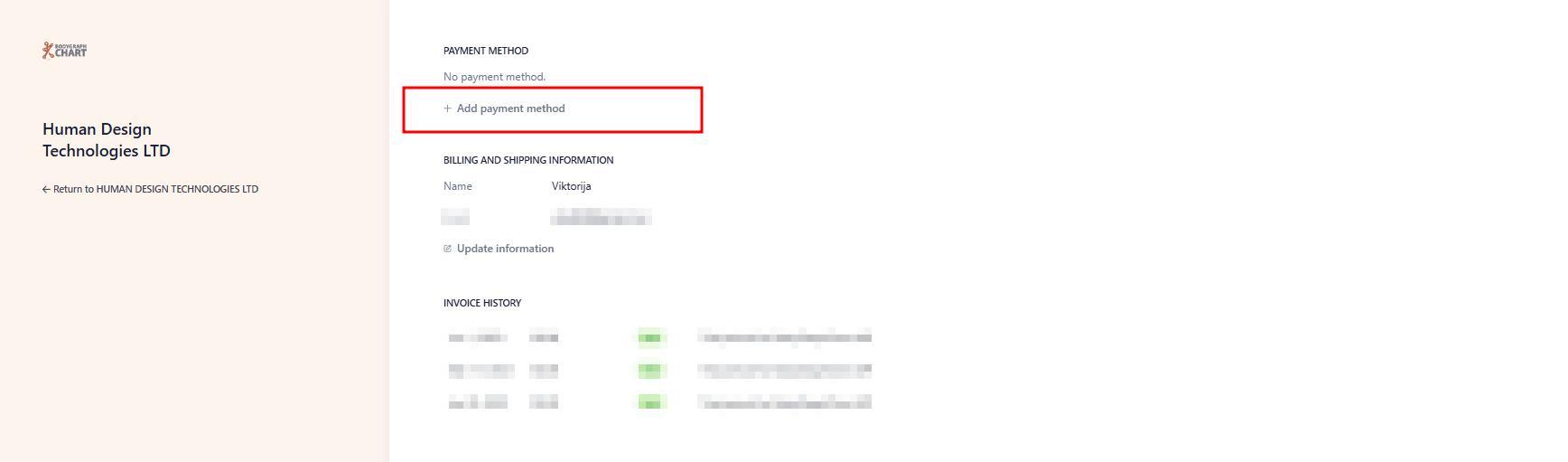
3. Add or adjust existing payment method.
Terms and conditions apply.
NOTE: if system does not accept your payment method please reach out to your bank and see if purchases from Bodygraph.com are not blocked and no fraud filters enabled. More related information can be found here.
Still have questions? Please message us on Live Chat or send an email to support@bodygraph.com.