
Bodygraph chart integrations allows your customers to download their generated chart as PDF for free. To do so, you have to create downloadable PDF at reading reports tool and enable this option on the embed code. Please follow the steps listed below:
1.Go to Integrate Chart and select the embed code that you are using/will use for your website
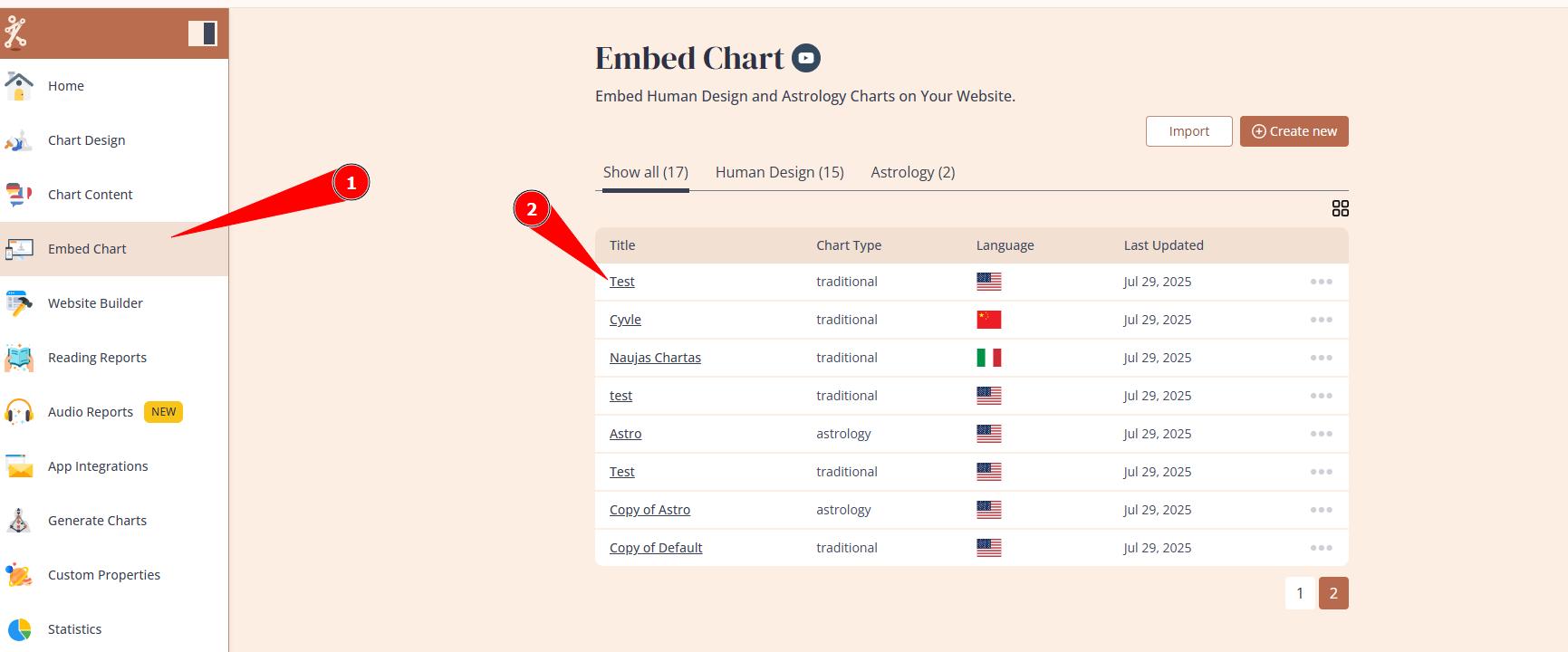
2. Click: Download Chart as PDF

3. Select the report that you designed as mini download at Reading reports tool.

4. Website visitors will see ‘Download PDF’ button above the chart.

NOTE: you will be able to see downloads on the Statistics as well. If you have no PDFs created at My Reading reports tool yet, this list will appear empty, file must be created first.
Frequently asked questions:
– Can I enable download what shows on the chart result page automatically?
No. PDF download must be created at Reading report tool and enabled as download.
Related articles:
How to design/disable PDF Download button
Related video guide:
Still have questions, is above guide outdated? Please message us on Live Chat or send an email to support@bodygraph.com.