
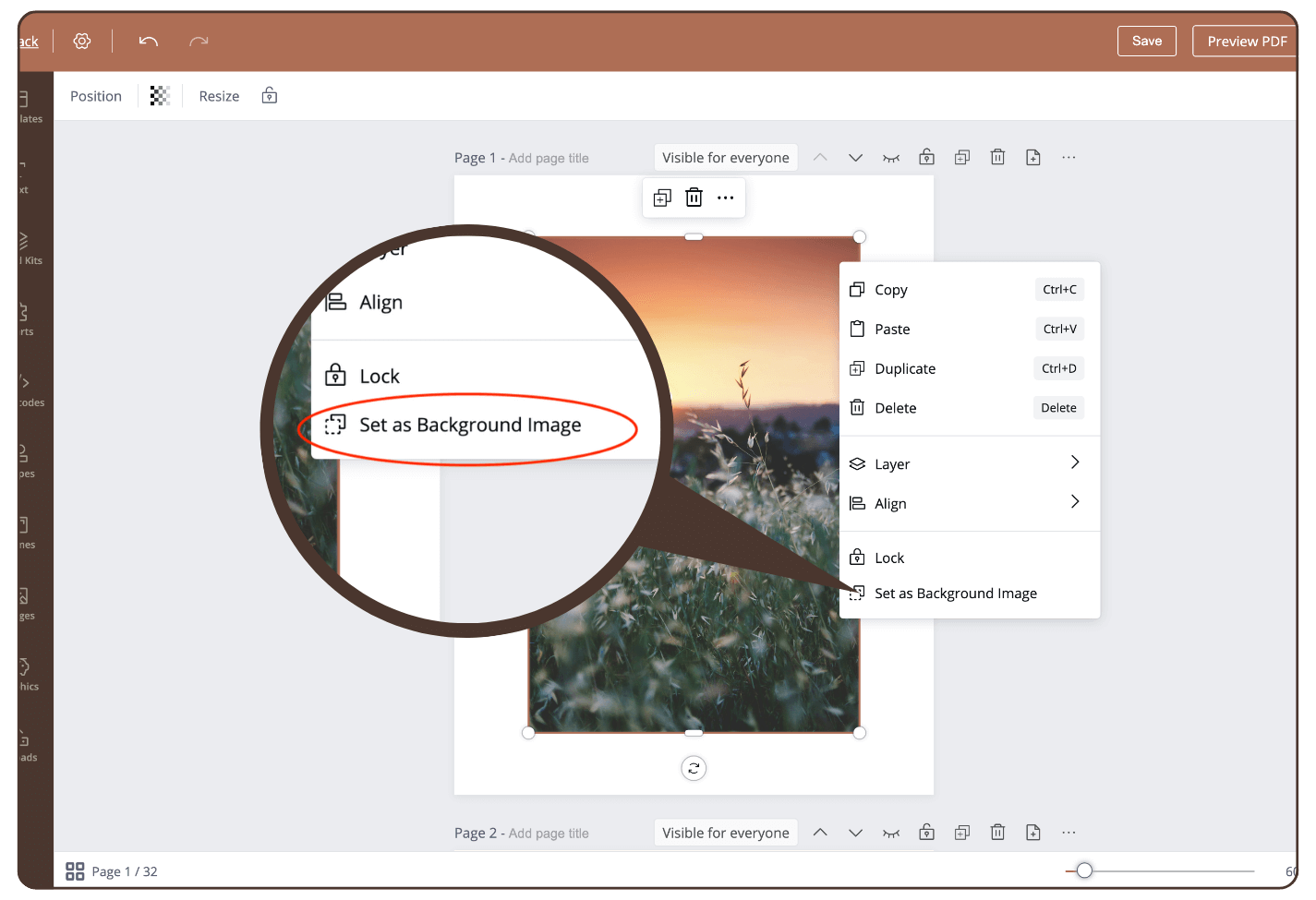
To set an image as the background image, proceed as follows:
- select the image
- right mouse click
- select ‘Set as Background Images’
The image is now used as the background image.
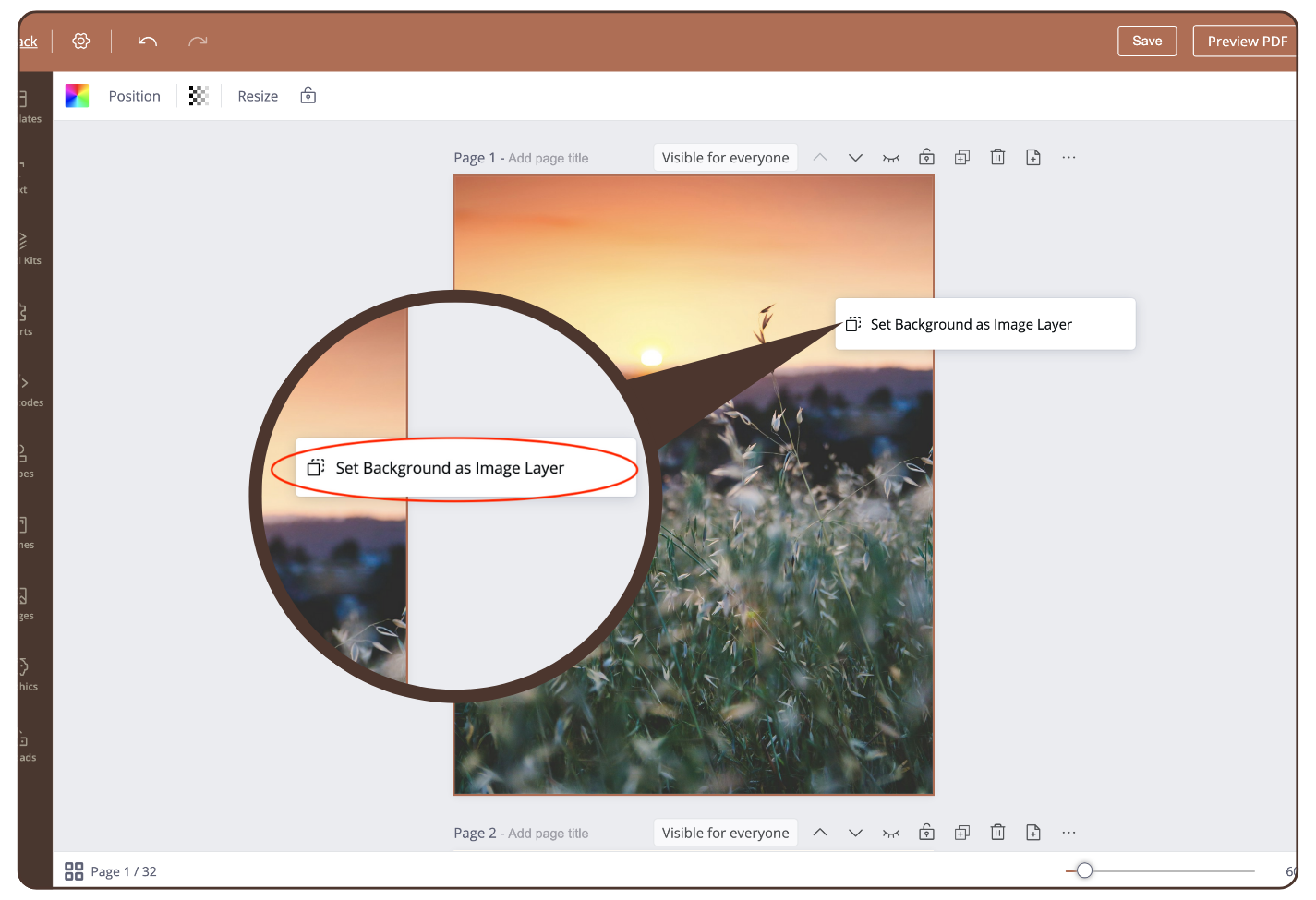
To remove the background image, click the right mouse button and click ‘Set Background as Image Layer’
Still have questions, is above guide outdated? Please message us on Live Chat or send an email to support@bodygraph.com.