
When integrating a chart into your website it is important that embed code is placed into the correct field. It will vary between the platforms:
WordPress, Podia must be a text field

Go Daddy, Systeme,Weebly will be HTML field
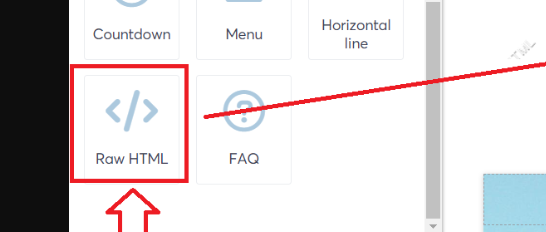
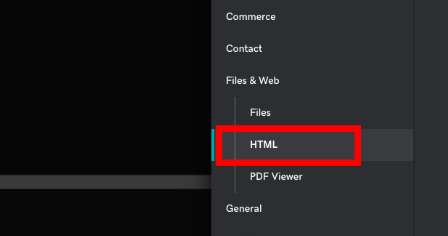
Squarespace, Showit will be code field

These are just few examples. Therefore, if you see the chart as the code on your live website preview, check if it is embedded into correct field and if your website builder/subscription plan supports custom embedding.
Frequently asked questions:
– What if my website builder or plan does not support custom embedding?
If your website/landing page builder does not support custom embeds you can build landing page or full website using Bodygraph Website Builder and use it for your business.
Related articles:
Chart Integration to own website
Still have questions, is above guide outdated? Please message us on Live Chat or send an email to support@bodygraph.com.