
To download the chart as a png file in ‘Generate Chart’ proceed as follows:
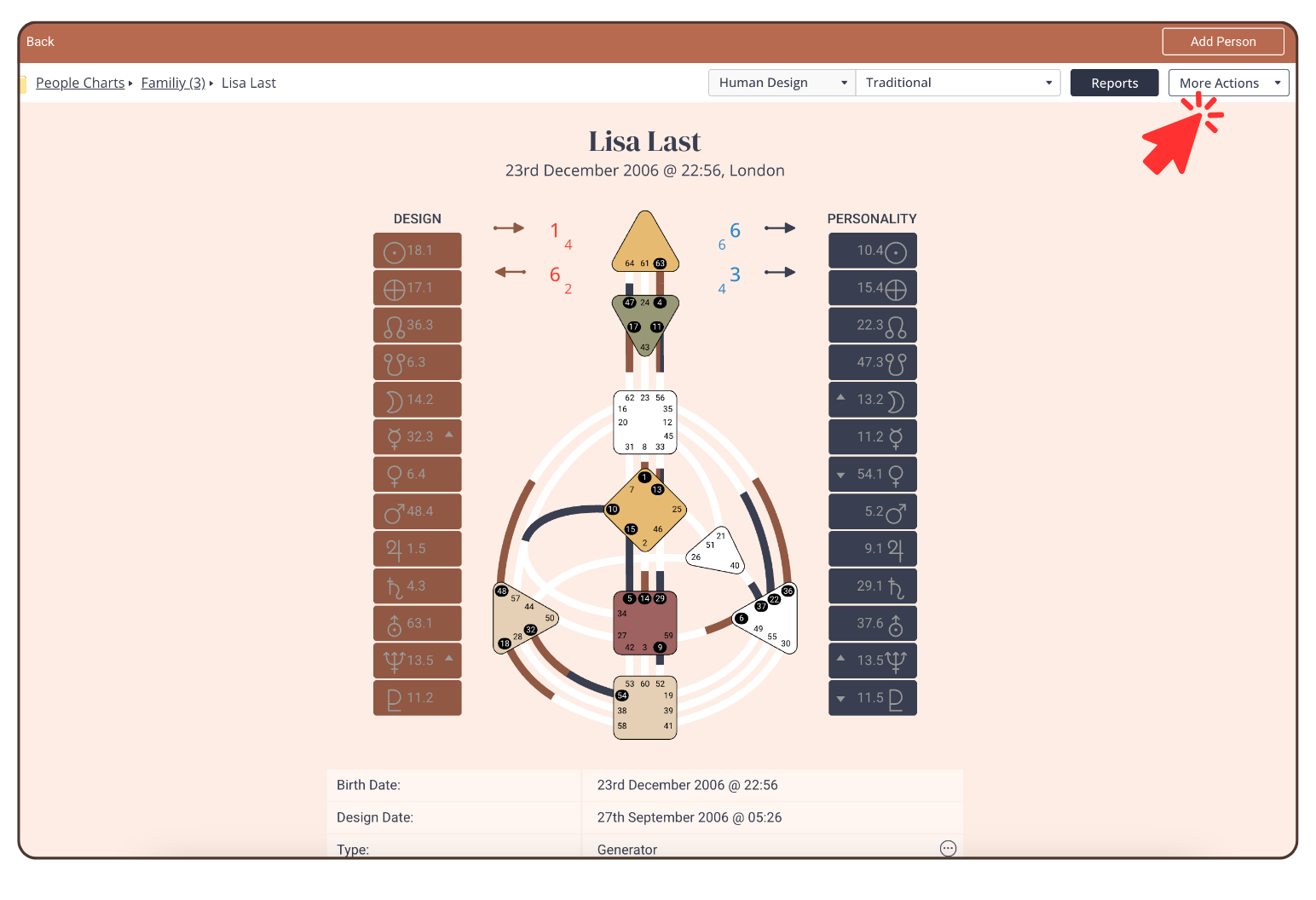
1. Click on ‘More Actions’ in the top right corner.
2. Click on ‘Save as Screenshot’
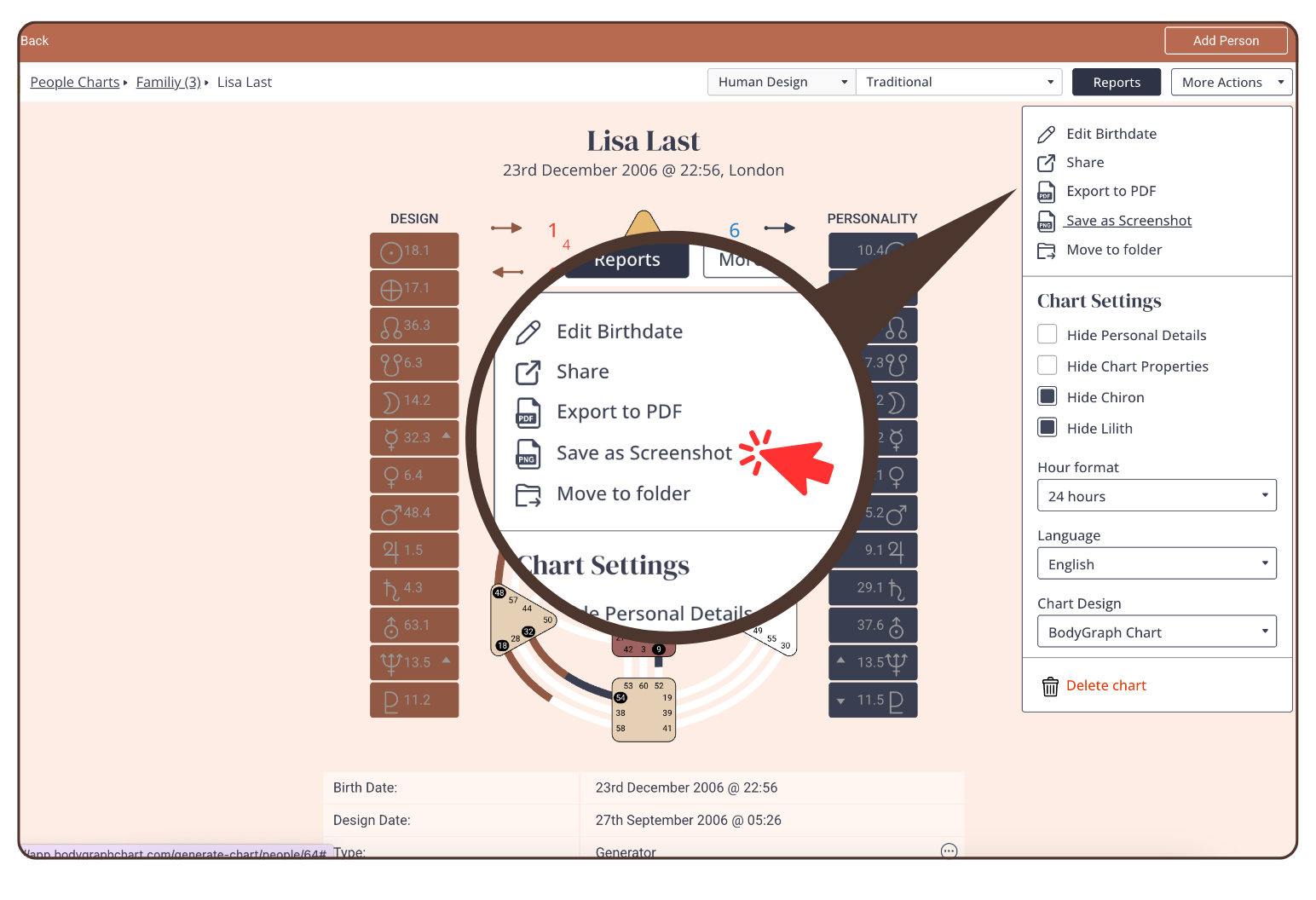
2. The download will start automatically. The PNG file will be saved in the download folder on your device.
Still have questions, is above guide outdated? Please message us on Live Chat or send an email to support@bodygraph.com.