
To export the chart as a PDF, proceed as follows:
click on ‘More Actions’ in the top right corner
click: ‘Export to PDF’
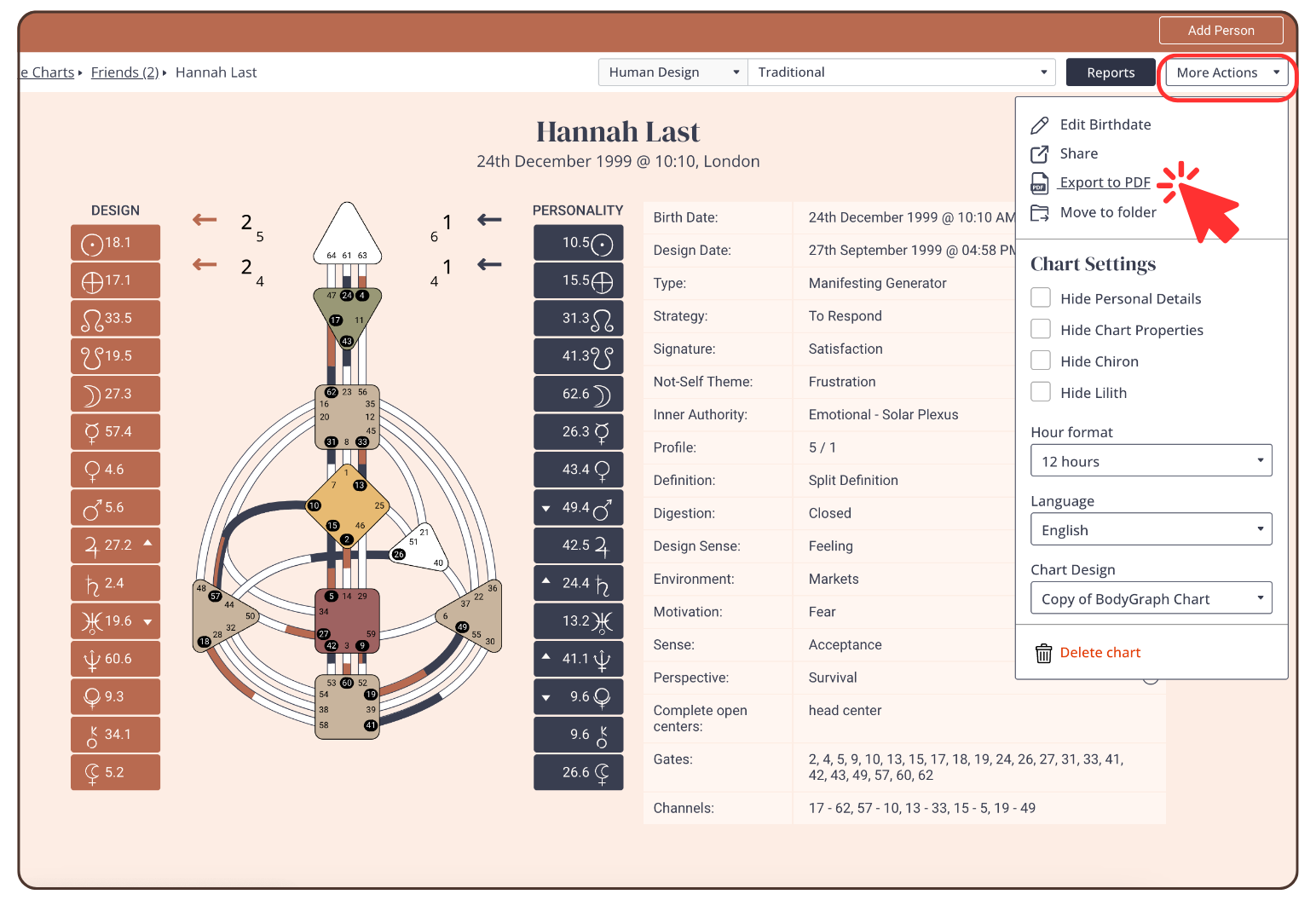
This will trigger an instant download to your device. Pay attention to where you save this file so you can locate it later.
Still have questions, is above guide outdated? Please message us on Live Chat or send an email to support@bodygraph.com.