
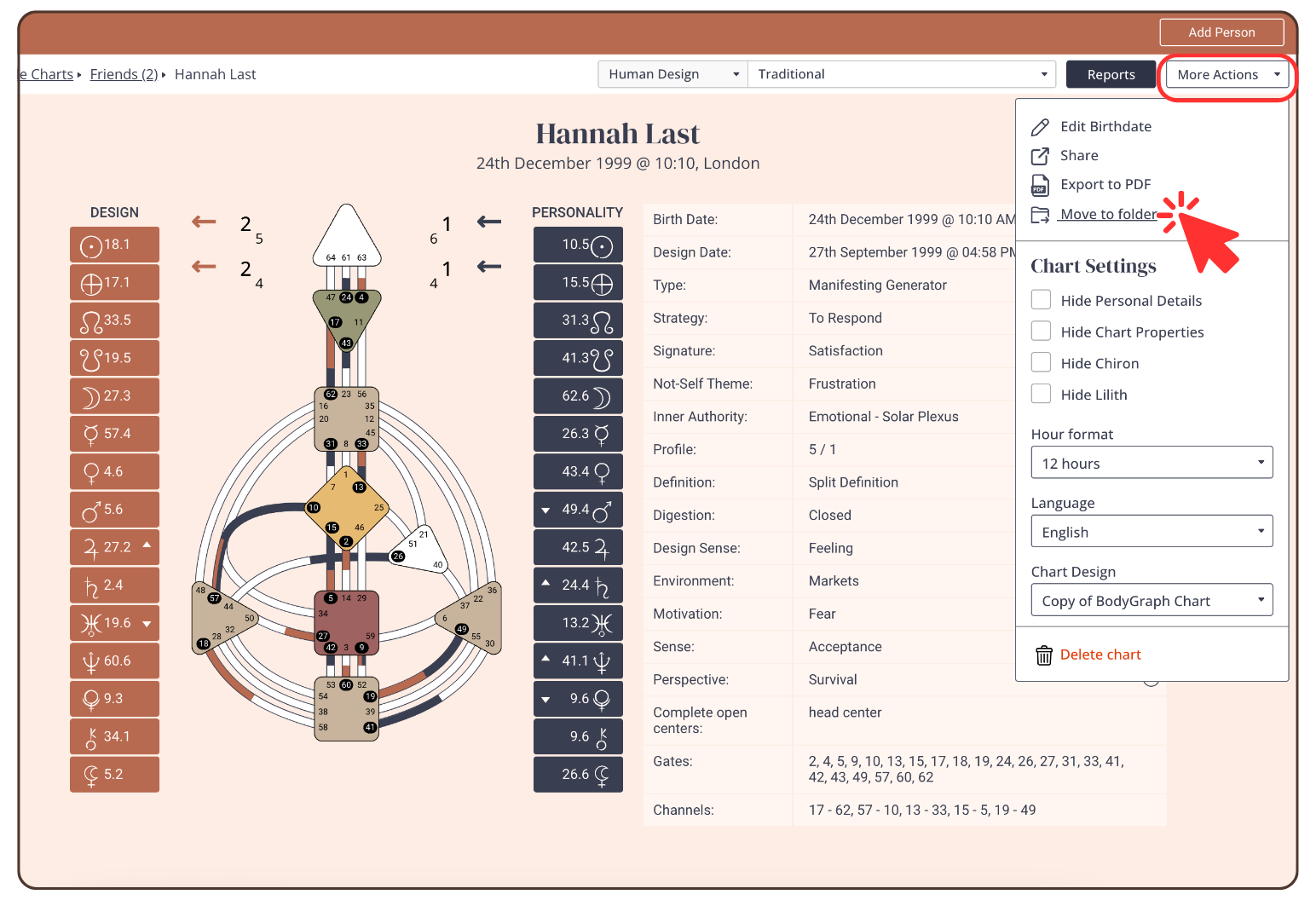
To move a chart to another folder, proceed as follows:
- click on ‘More Actions’ in the top right corner
- click: ‘Move to folder’
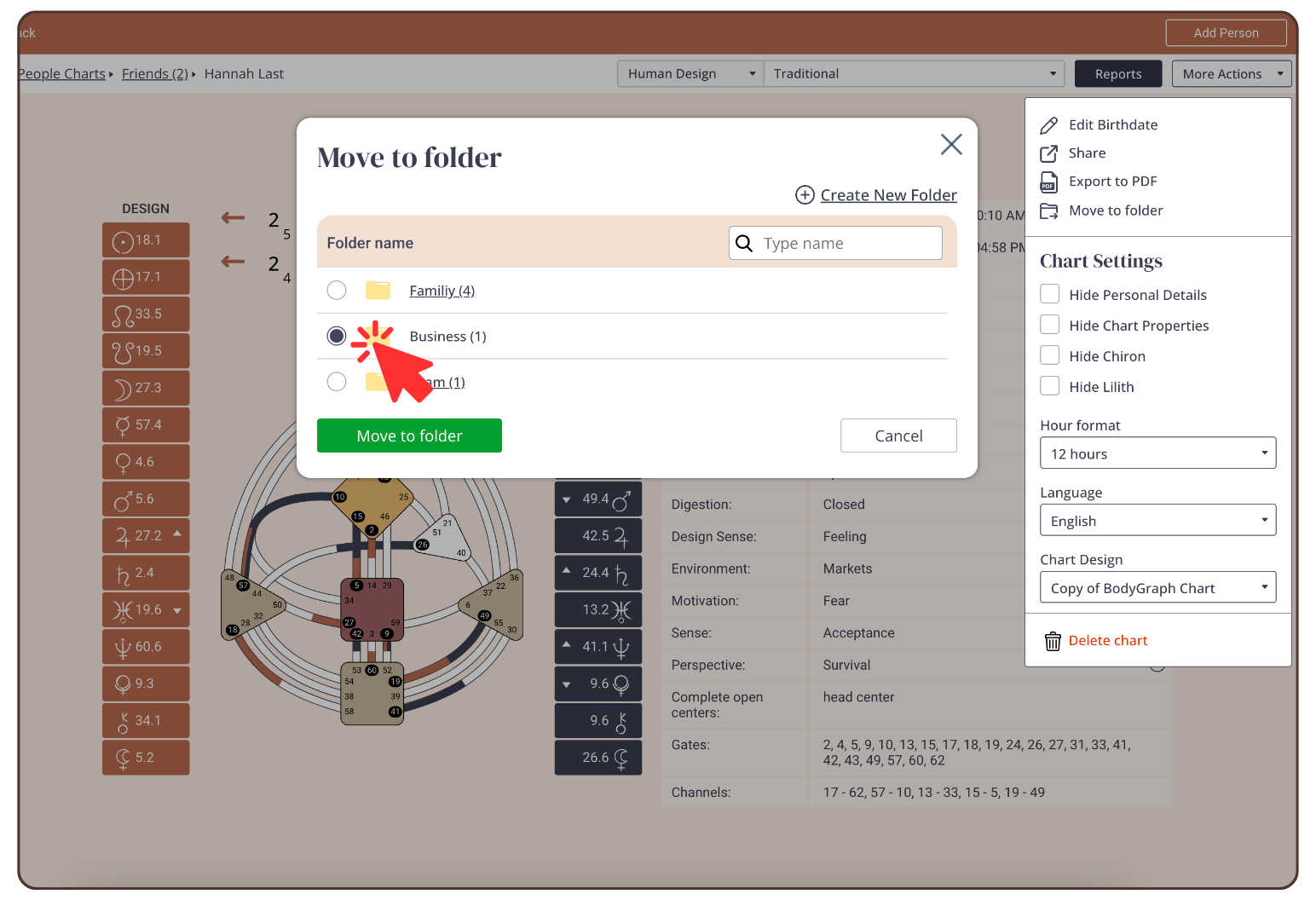
- Select a folder and click on ‘Move to folder’
Still have questions, is above guide outdated? Please message us on Live Chat or send an email to support@bodygraph.com.