
To edit, add, or remove blog post at Website Builder, follow the steps listed below:
1. Navigate to Website Builder dashboard.
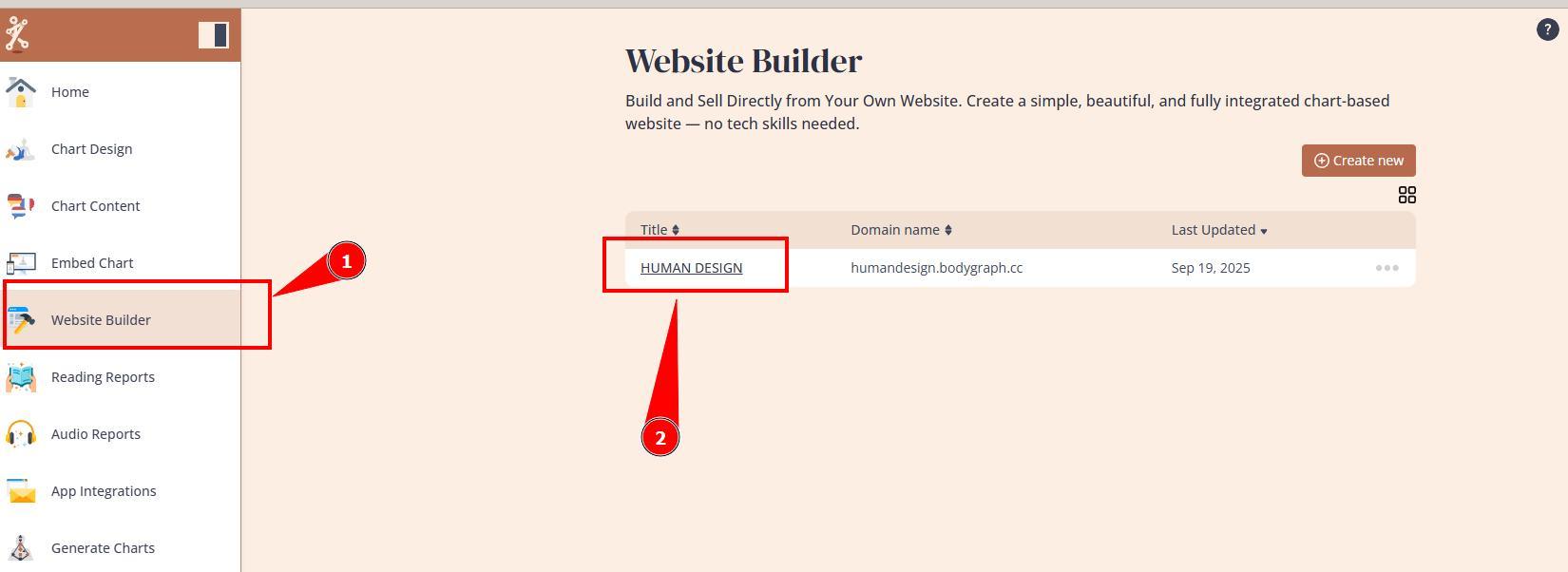
2. Open Blog editor.
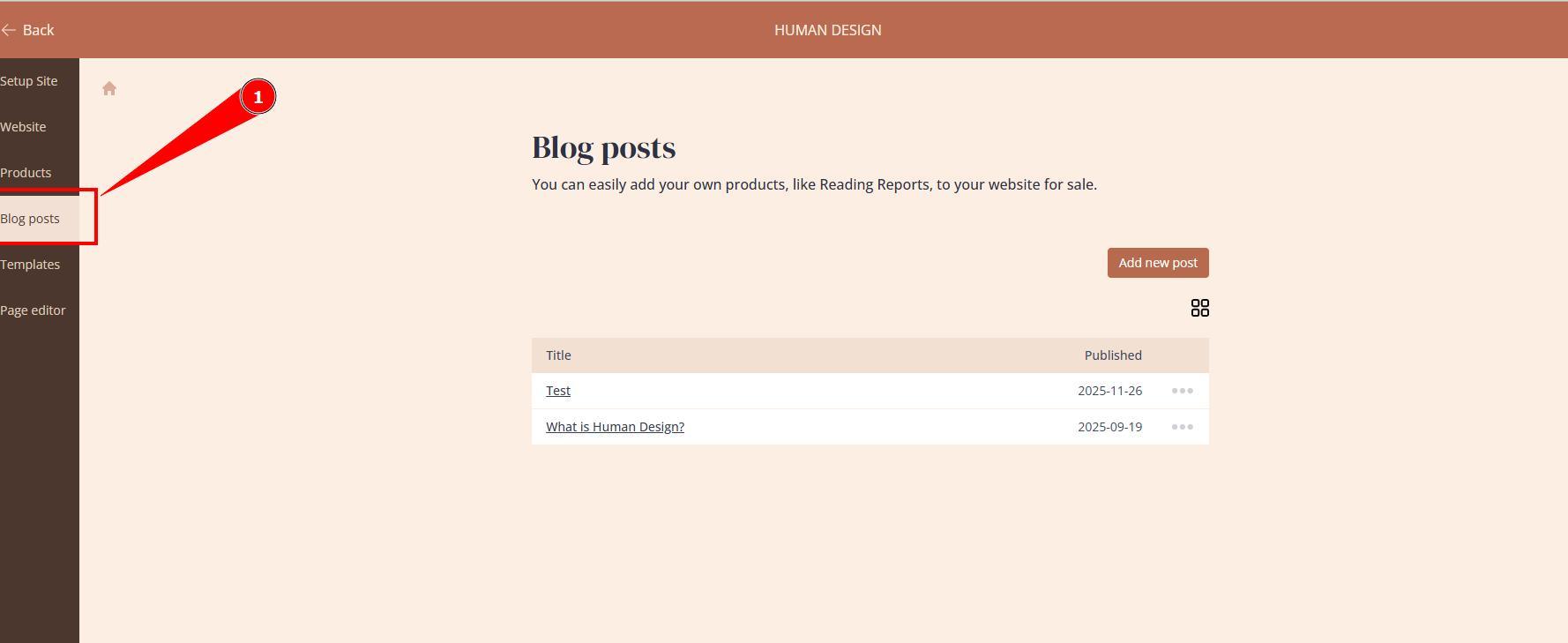
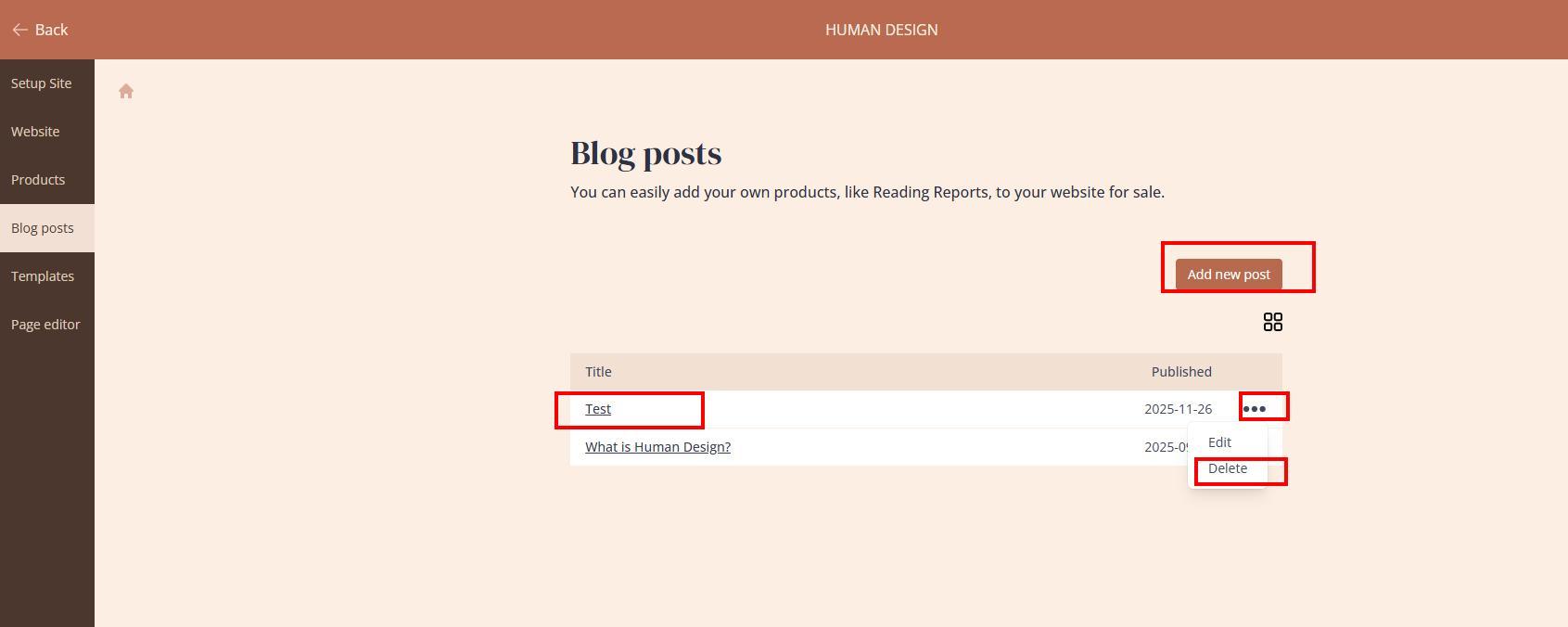
3. You can start adding new blog posts or editing/removing existing blog posts.
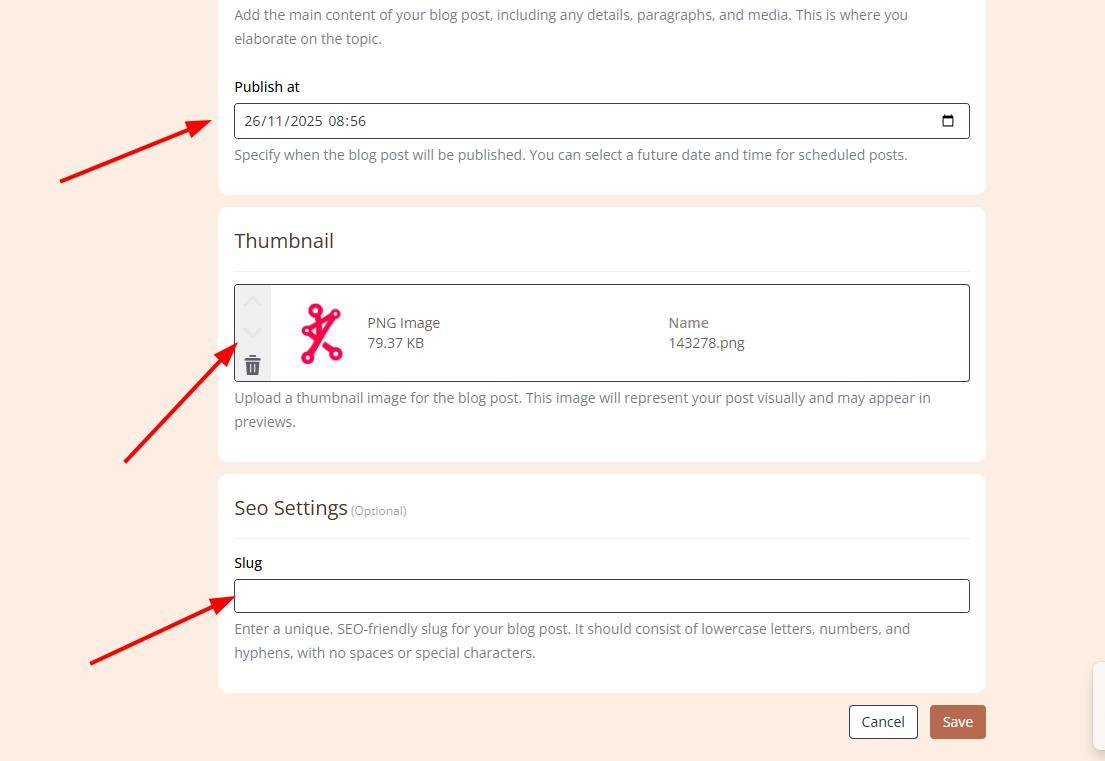
4. At individual Blog settings you can edit basic settings. Also you can upload blog content, thumbnail, set publishing date and select slug (ideally matching blog title)
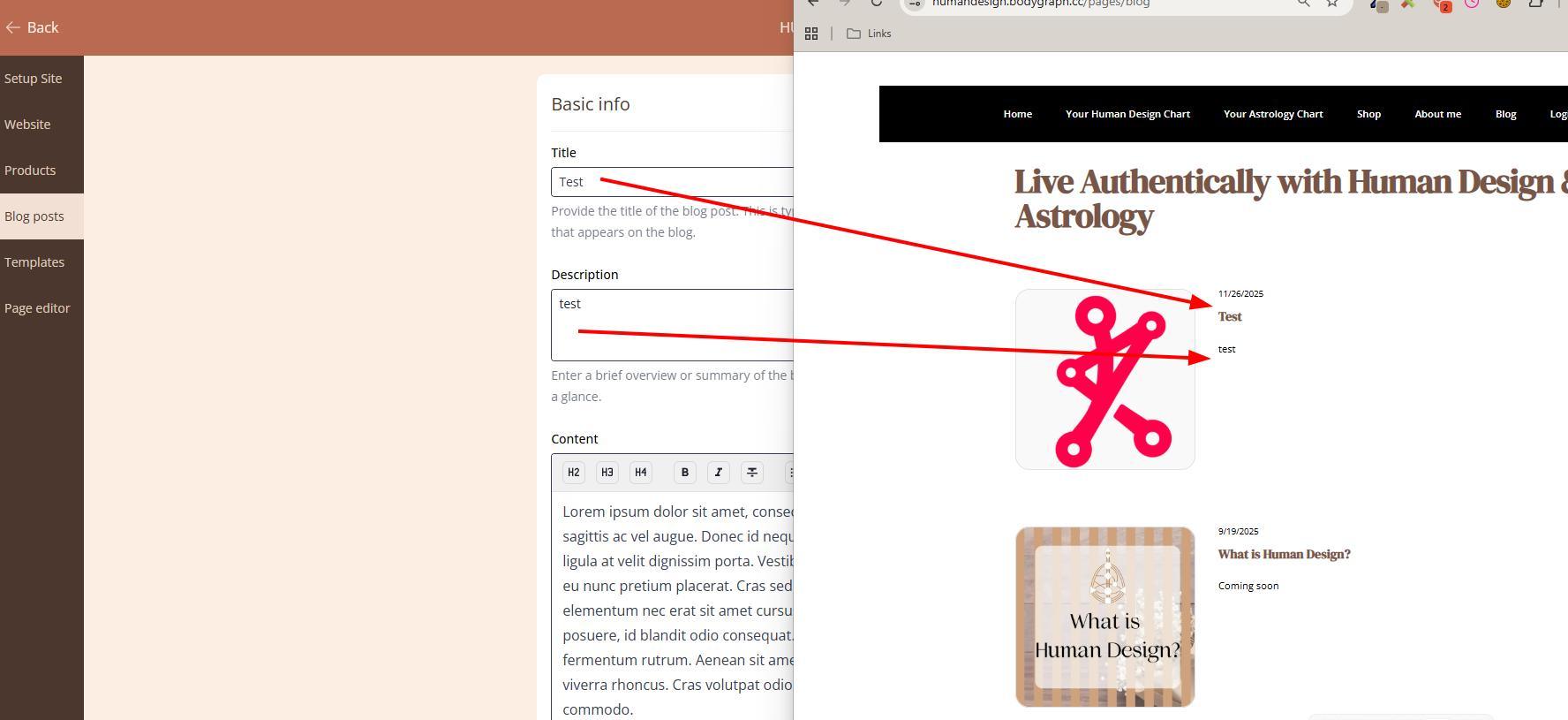
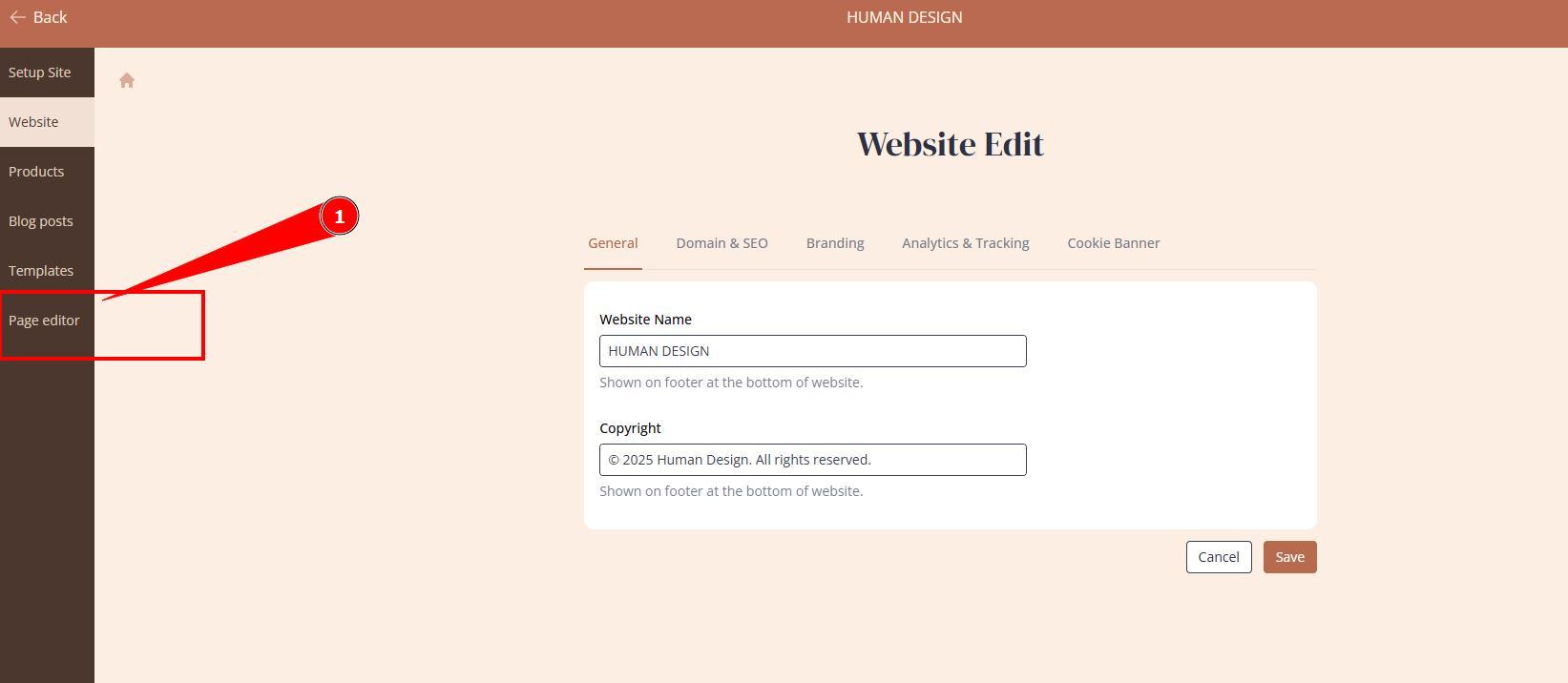
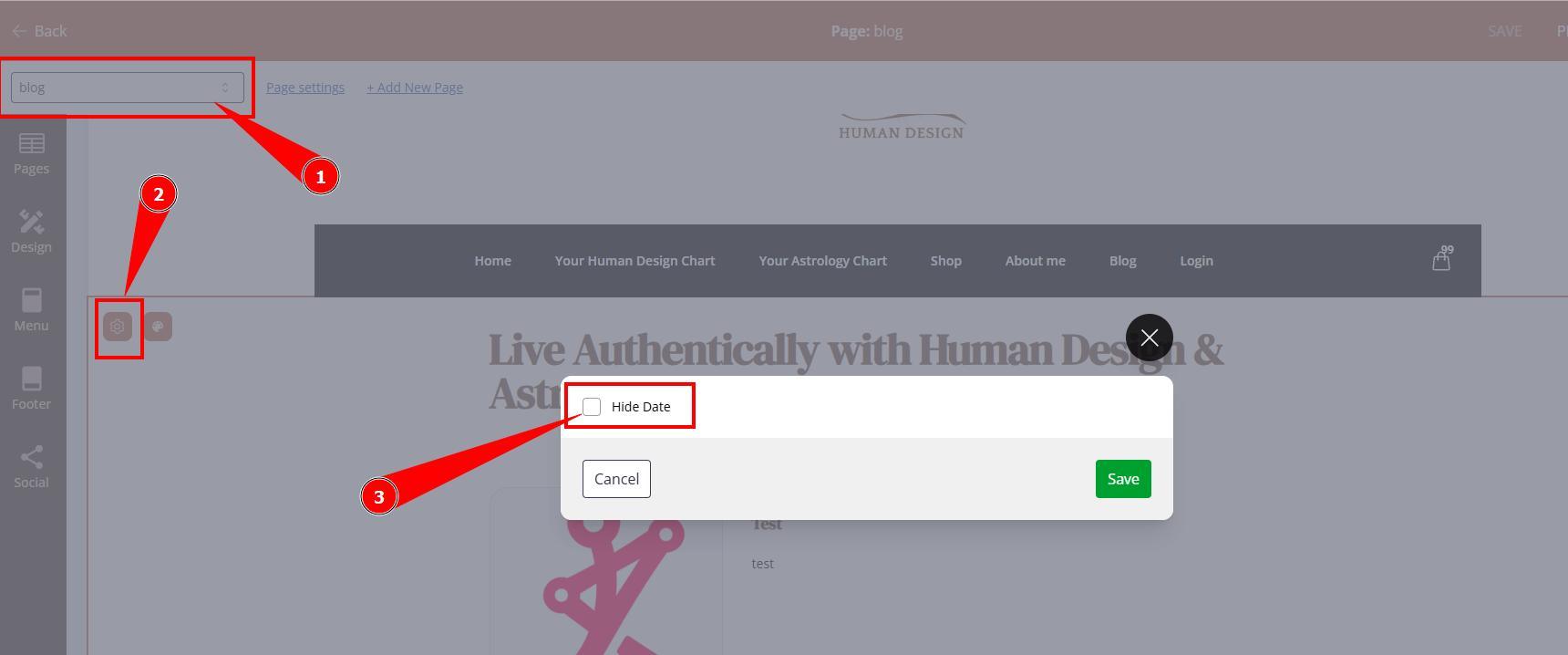
5. At page editor view, you can further customize blog post colors and settings such as hiding publishing date.
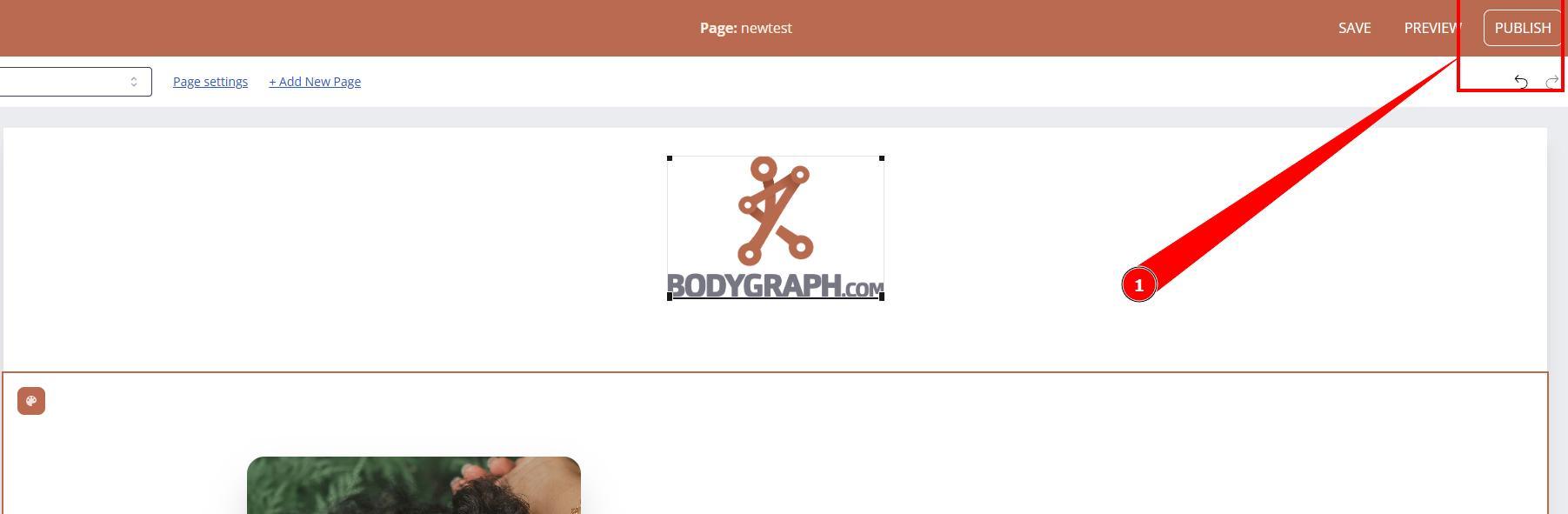
6. Once done do not forget to Publish your changes.
Still have questions, is above guide outdated? Please message us on Live Chat or send an email to support@bodygraph.com.