
To enable analytics and tracking at Bodygraph Website Builder, follow the steps below:
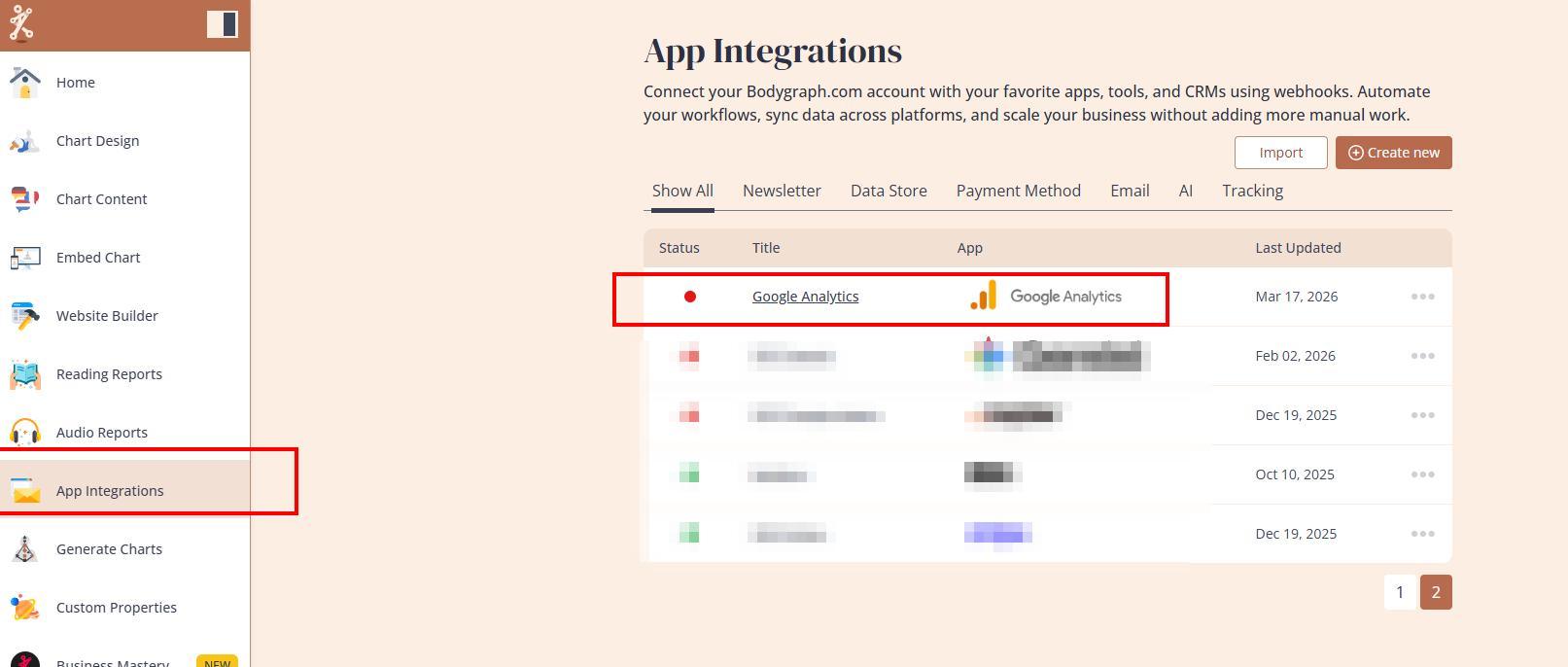
1. Connect your preferred tracking app at App Integrations as instructed HERE.
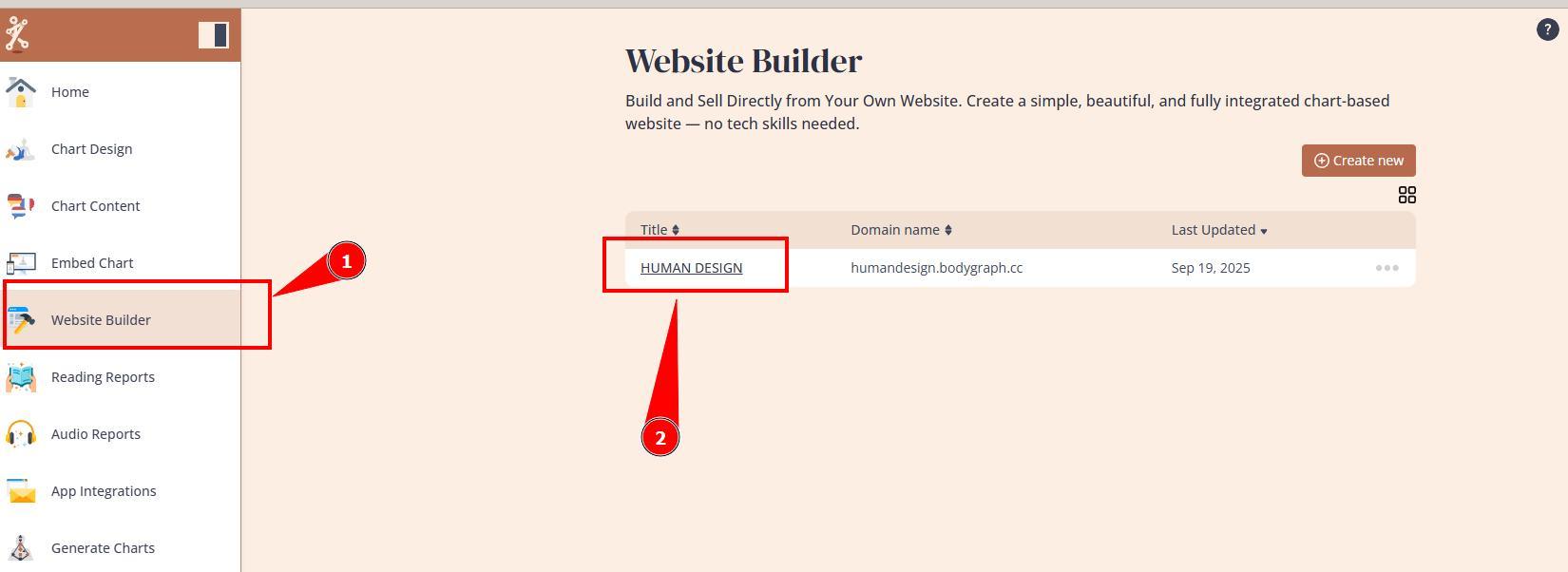
2. Navigate to Website Builder and open the dashboard.
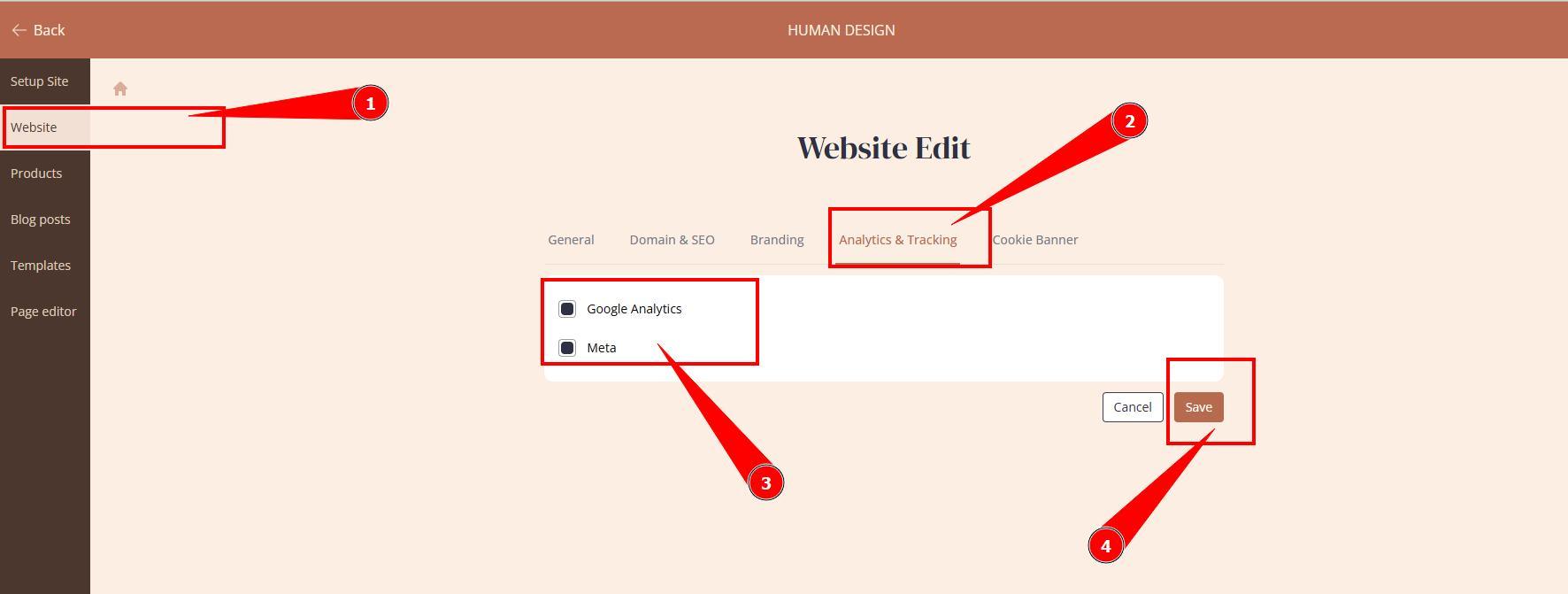
3. Open website settings, Analytics and Tracking tab, toggle on your connected tracking app and click Save.
4. Test the tracking.
Still have questions, is above guide outdated? Please message us on Live Chat or send an email to support@bodygraph.com.