
The Bodygraph website builder footer includes an option to list the menu items or desired URL’s. However, these listings will only appear on the website if the corresponding links are added in the footer settings.
To upload and display menu items/URLs at footer, follow the steps below.
1. Navigate to Website Builder dashboard.
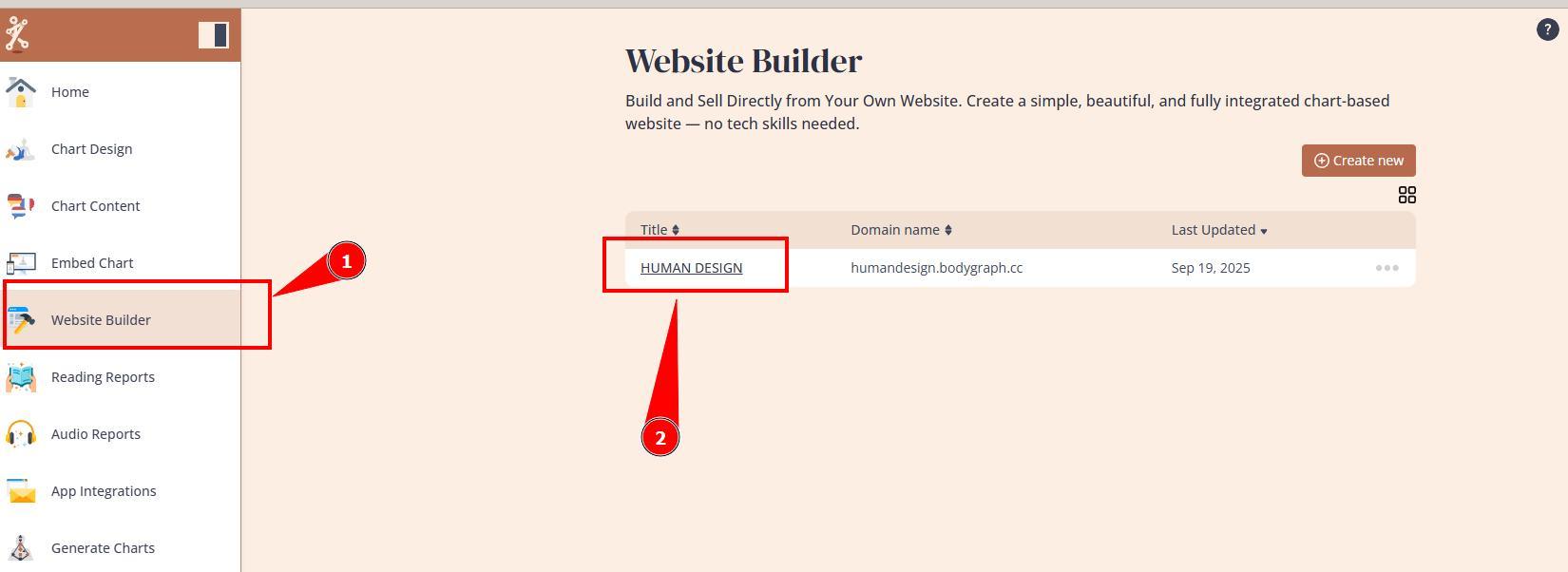
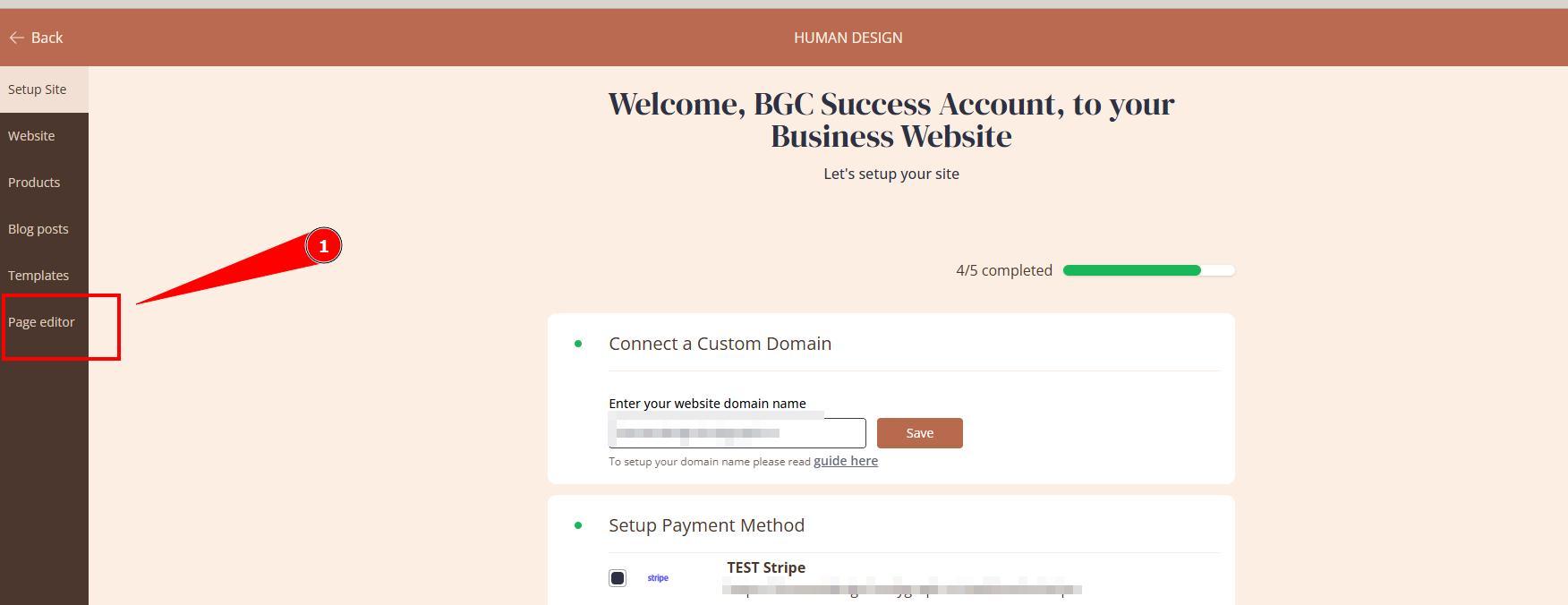
2. Open Page editor.
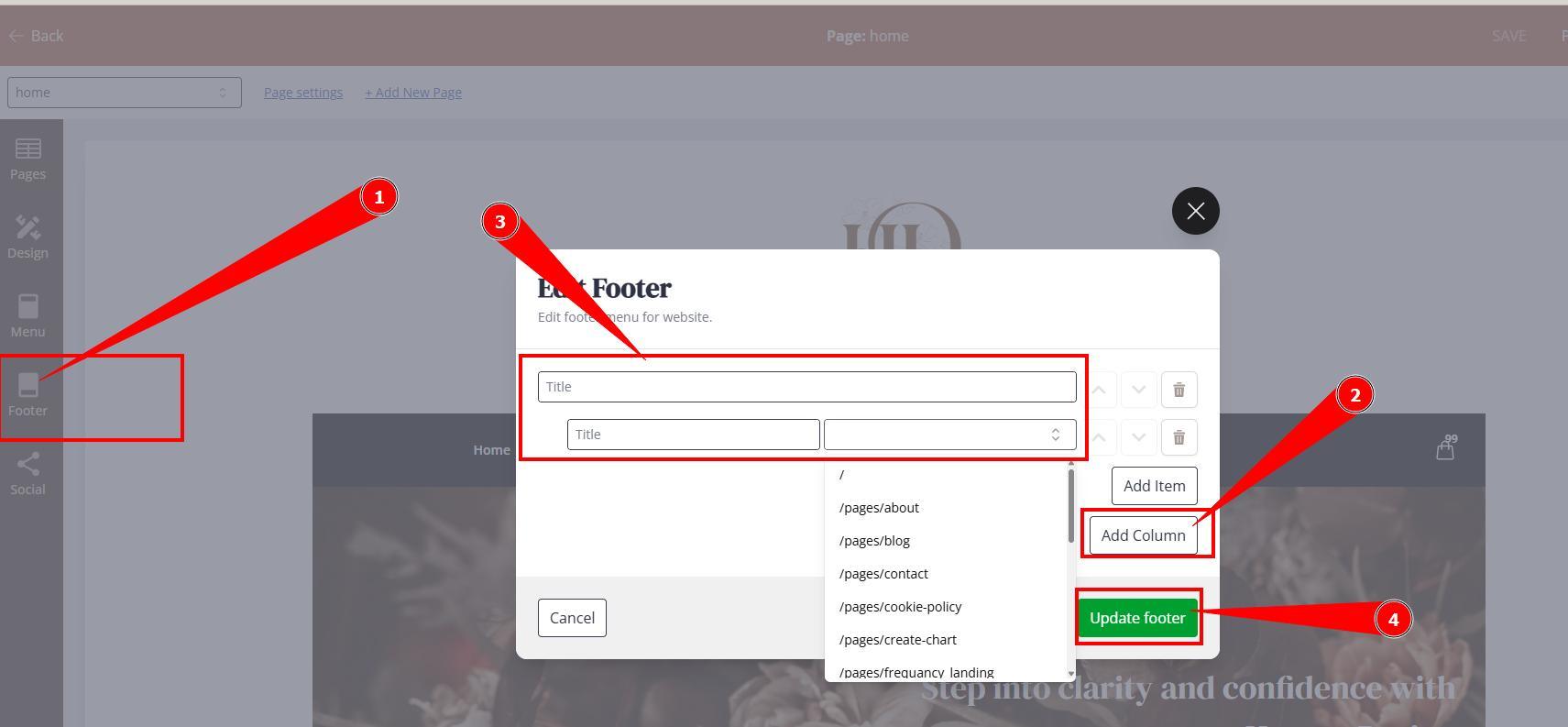
3. Select Footer menu on the left navigation bar, Click add Column, add column title and URL’s and click Update Footer. Now for the links, you can select the internal webpage slug from the dropdown or you can link external pages by pasting full URL that begins with https://…..
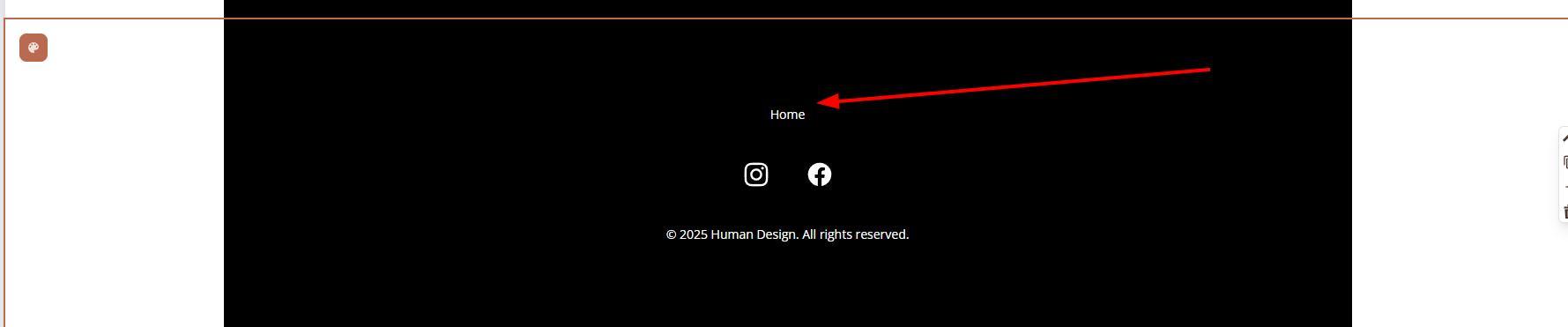
4. Do not forget to Publish website so that changes would go live and go to your website to test footer links.
Still have questions, is above guide outdated? Please message us on Live Chat or send an email to support@bodygraph.com.